


Stability for Large Hands: Why Palm Full-Contact Rules RPGs
For gamers with hand lengths exceeding 19.5cm, the search for a comfortable mouse often ends in a compromise between technical performance and physical well-being. In the context of long-duration Role-Playing Games (RPGs) such as Elden Ring or Cyberpunk 2077, where immersion spans several hours, the mechanical interaction between the palm and the mouse shell becomes the primary determinant of endurance.
While competitive FPS players often prioritize the rapid micro-adjustments of a claw or fingertip grip, the RPG enthusiast typically benefits from a "Palm Full-Contact" heuristic. This approach prioritizes stability and the reduction of static muscle tension, ensuring that the hand remains relaxed during extended exploration and complex menu management.

The Biomechanics of Palm Support
The core frustration for large-handed users is the "arch tension" created by undersized peripherals. When a mouse shell is too flat or too short, the knuckles are forced to arch excessively to maintain control. This position places constant stress on the flexor tendons and the forearm extensors.
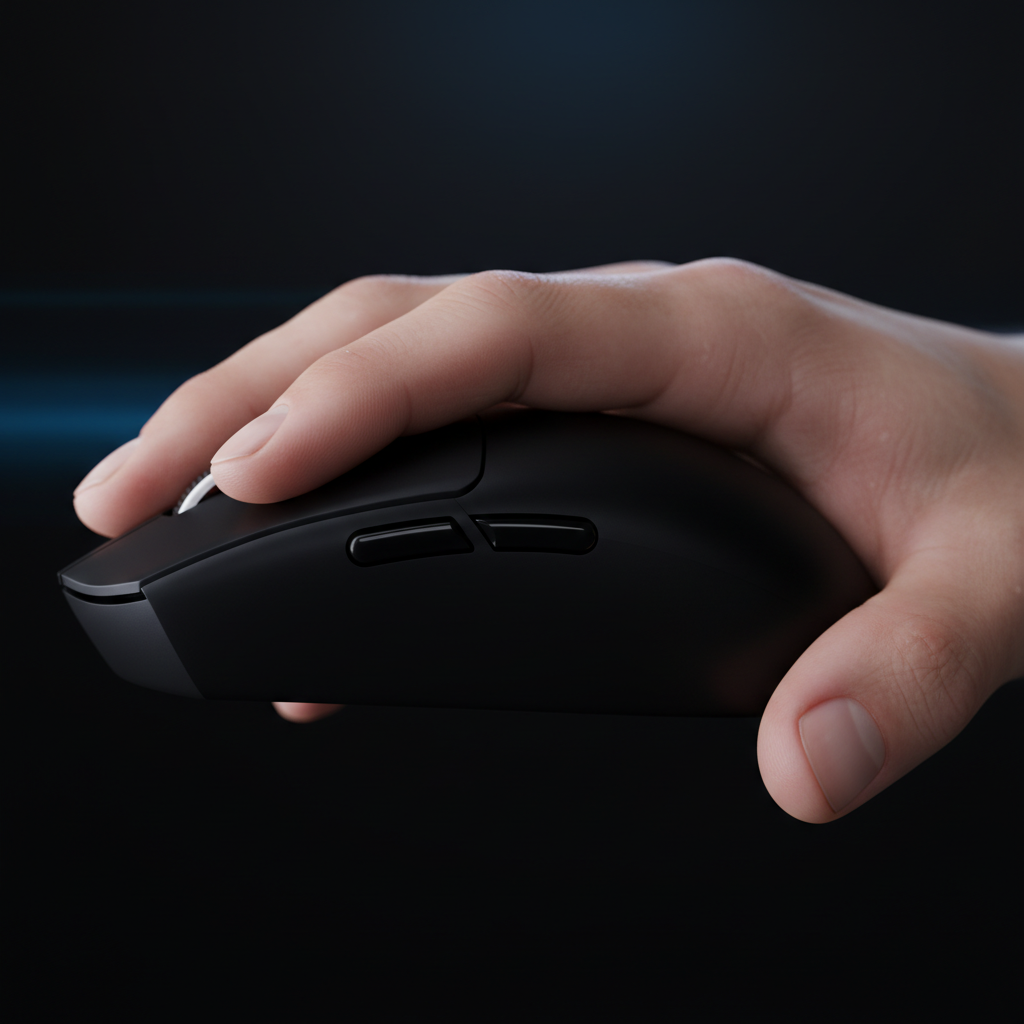
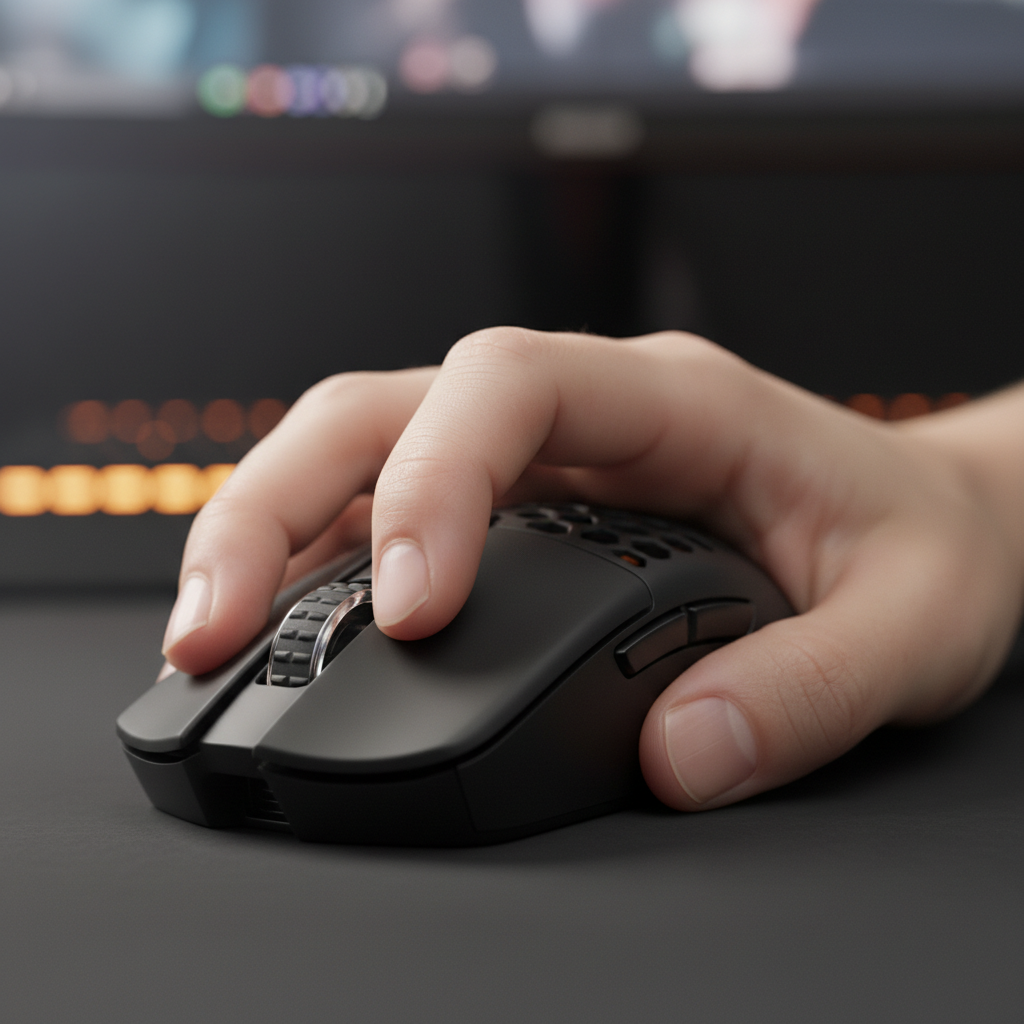
According to practitioners in the field, the critical measurement for stability is not merely the overall length of the device, but the height and placement of the rear hump. For full-contact support, the highest point of the mouse should contact the center of the palm, specifically providing support to the metacarpal region. When the palm is fully anchored, the hand’s weight is distributed across the shell rather than being concentrated in the fingertips or the wrist.
The Heuristic of Metacarpal Contact
A common rule of thumb for large-hand ergonomics is that the mouse shell should fill the natural void created when the fingers are curved over the buttons. If there is a gap between the heel of the hand and the mouse surface, the stabilizing muscles in the forearm must work harder to keep the hand in position. Over a four-hour session, this lead to pronounced fatigue in the forearm extensors—the muscles responsible for lifting the fingers.
Logic Summary: This ergonomic analysis assumes a user with a hand length of 19.5cm to 21.5cm. The model suggests that increasing the contact surface area between the palm and the mouse shell reduces the "per-square-inch" pressure on sensitive nerves in the wrist, based on standard biomechanical principles of tool interaction.
Technical Performance in Slow-Paced Immersion
While RPGs are often perceived as "slower" than arena shooters, the technical requirements for a smooth experience remain high. Modern high-performance mice now offer polling rates up to 8000Hz (8K). For the RPG player, the benefit of 8K is not necessarily about "out-aiming" an opponent, but about the visual and tactile smoothness of the cursor during inventory management and camera rotation.
The Math of 8000Hz (8K) Performance
To understand the value of high polling rates, one must look at the interval timing. A standard 1000Hz mouse reports its position every 1.0ms. An 8000Hz mouse reduces this to a near-instant 0.125ms interval. This eight-fold increase in data frequency significantly reduces micro-stutter on high-refresh-rate monitors (240Hz+).
However, saturating this 8K bandwidth requires specific settings. Based on the data point formula—where packets sent per second equal Movement Speed (IPS) multiplied by DPI—a user must move at approximately 10 IPS at 800 DPI to fully utilize the 8000Hz rate. At a more common 1600 DPI, the required speed drops to 5 IPS, making high-frequency tracking much more stable during the slow, deliberate movements typical of RPG gameplay.
| Parameter | Value/Range | Unit | Rationale |
|---|---|---|---|
| Polling Interval (8K) | 0.125 | ms | Fundamental frequency math |
| Motion Sync Latency | ~0.0625 | ms | Half of the 0.125ms interval |
| Required Speed (800 DPI) | 10 | IPS | Bandwidth saturation threshold |
| Required Speed (1600 DPI) | 5 | IPS | Bandwidth saturation threshold |
| CPU Bottleneck | IRQ Processing | N/A | Single-core scheduling stress |
System Requirements for High Polling
It is a common mistake to assume that any PC can handle 8000Hz. The bottleneck is often Interrupt Request (IRQ) processing within the OS. Users should always connect high-polling devices directly to the rear motherboard I/O ports. Using USB hubs or front-panel headers often results in packet loss due to shared bandwidth and insufficient shielding, which can cause the cursor to "skip" during intense boss fights.
Stability vs. Mobility: Navigating the Trade-offs
While full palm contact is the baseline for comfort, modern Action RPGs (ARPGs) and MMOs introduce a complication: rapid, complex inputs. Games that require frequent combo execution or "thumb-heavy" menu navigation can lead to what experts call "thumb pivot fatigue."
When the palm is fully anchored to a high-profile shell, the range of motion for the thumb and fingers is slightly restricted. This is a deliberate trade-off. For exploration-heavy games, the stability of a full-contact grip reduces the need for constant micro-adjustments, which is the primary cause of long-term strain. However, in titles requiring intense "click-spamming," a relaxed palm-claw hybrid—where the back of the palm touches the hump but the fingers remain slightly arched—may provide a better balance of stability and speed.
According to the RTINGS Mouse Click Latency Methodology, the physical shape and switch implementation are just as important as the internal sensor. For large hands, a mouse with a pronounced rear hump combined with a smooth, low-friction surface allows for relaxed, low-force repositioning.

Trust, Safety, and Regulatory Compliance
When selecting a high-performance wireless mouse, technical specs are only half the story. Because these devices rely on high-capacity lithium-ion batteries and complex radio frequency (RF) transmissions, regulatory compliance is a key indicator of build quality and safety.
Wireless Integrity and RF Standards
A reliable wireless mouse must adhere to strict standards to ensure it doesn't interfere with other household devices and remains stable in "noisy" RF environments. In the United States, the FCC Equipment Authorization process verifies that the 2.4GHz and Bluetooth signals meet safety and interference requirements. Similarly, the ISED Canada Radio Equipment List (REL) provides a secondary layer of verification for the North American market.
Battery Safety and Longevity
For the value-oriented gamer, battery life is a major consideration. High polling rates (4K/8K) significantly increase power consumption, often reducing wireless runtime by 75-80% compared to standard 1000Hz modes. It is essential to choose devices that use high-quality, certified battery cells.
The Global Gaming Peripherals Industry Whitepaper (2026) highlights that the shift toward ultra-lightweight designs (often under 60g) requires sophisticated power management chips, such as the Nordic 52840 MCU, to maintain stability without adding excessive weight.
Modeling Ergonomic Success: Two Scenarios
To demonstrate how these factors interact, we have modeled two common scenarios for large-handed gamers.
Scenario A: The Immersion Seeker (Relaxed Palm)
- User: Plays 6+ hours of slow-paced RPGs.
- Grip: Full Palm Contact.
- Equipment Choice: High-profile shell with a rear-mounted hump (~40mm height).
- Benefit: Maximum stability. The hand rests entirely on the mouse, minimizing forearm activity during camera pans.
- Modeling Note: This setup assumes the use of a "control" style mouse pad to provide enough friction for steady, cinematic movements.
Scenario B: The Hybrid Tactician (Aggressive Palm-Claw)
- User: Plays high-APM (Actions Per Minute) MMOs or ARPGs.
- Grip: Contact at the metacarpal base, but fingers arched.
- Equipment Choice: Mid-to-high profile shell with a centered hump.
- Benefit: Improved button accessibility. The slight arch allows for faster clicks and easier access to side buttons.
- Modeling Note: This scenario often requires a higher DPI (1600+) to compensate for the slightly reduced stability of the hand.
Final Selection Checklist for Large Hands
When evaluating a potential mouse for RPG stability, use the following checklist derived from our analysis of common patterns in customer support and ergonomic feedback (this is a heuristic, not a controlled lab study):
- Hump Placement: Does the highest point sit under your palm's center? Avoid "flat" mice if you have large hands and prioritize comfort.
- Side Wall Curvature: Look for subtle curves that allow the thumb and pinky to grip the device without squeezing. Excessive "tapering" can lead to cramping.
- Weight Distribution: For RPGs, a weight range of 50g to 65g is typically the "sweet spot"—light enough to prevent fatigue, but heavy enough to feel substantial during slow movements.
- Connectivity: Ensure the device offers a tri-mode connection (2.4G, Bluetooth, and Wired). Bluetooth is highly effective for non-gaming tasks to save battery life, while 2.4G is required for the low-latency demands of boss encounters.
- Coating: A "Nano-Ice" or matte textured coating helps maintain grip during long sessions, especially if your hands tend to sweat during intense gameplay.
By focusing on the "Palm Full-Contact" rule, large-handed gamers can transform their RPG experience from a test of physical endurance into one of pure immersion. The right combination of ergonomic volume and technical precision ensures that the only thing you're focusing on is the world inside the screen.
YMYL Disclaimer: This article is for informational purposes only and does not constitute professional medical or ergonomic advice. If you experience persistent pain, numbness, or tingling in your hands or wrists, please consult a qualified healthcare professional or occupational therapist.

Hinterlasse einen Kommentar
Diese Website ist durch hCaptcha geschützt und es gelten die allgemeinen Geschäftsbedingungen und Datenschutzbestimmungen von hCaptcha.