


The Role of Sensor Resolution in Micro-Adjustment Precision
In the final seconds of a high-stakes tactical shooter round, the difference between a victory and a loss often comes down to a movement of less than a single millimeter. This is the realm of the micro-adjustment—a sub-pixel correction where your hand must translate a split-second decision into a precise crosshair placement. While marketing materials frequently highlight astronomical DPI (Dots Per Inch) figures, the technical reality of how sensor resolution impacts competitive play is far more nuanced.
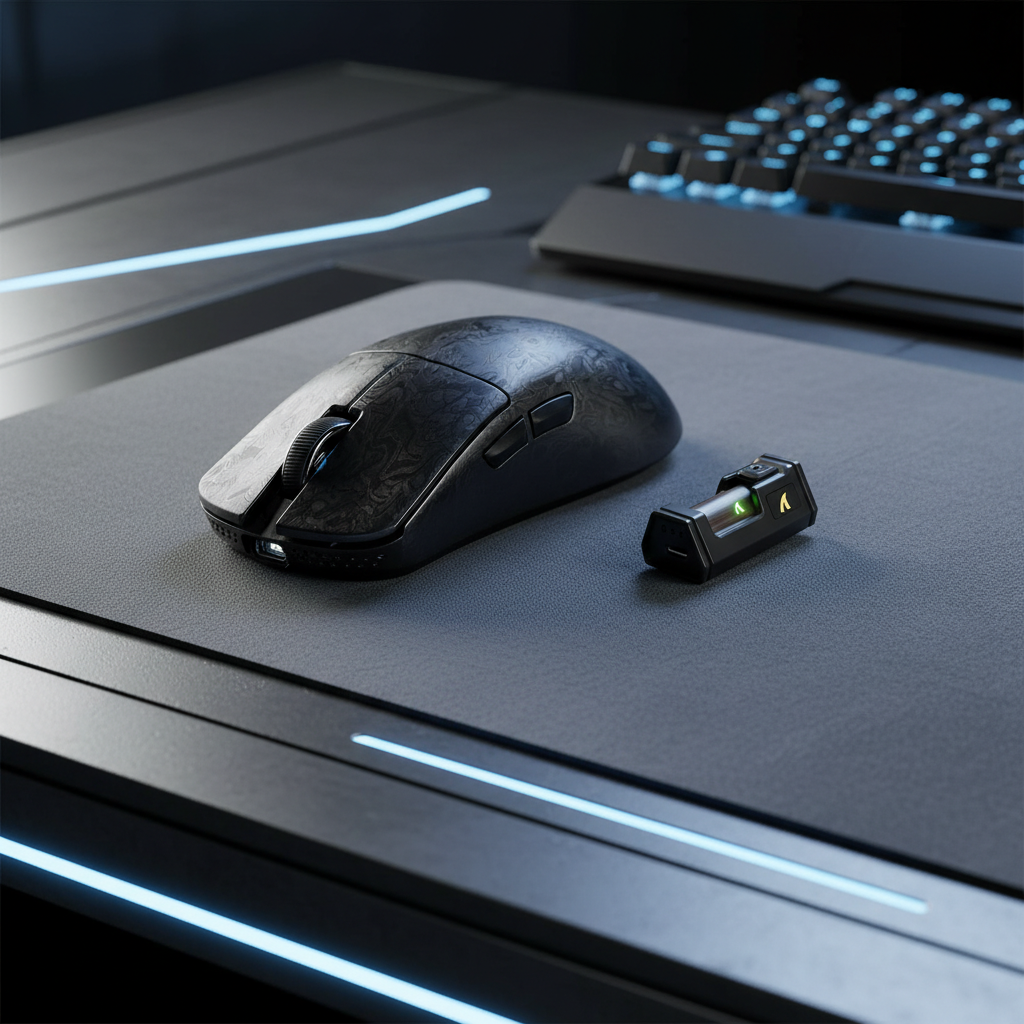
For value-oriented gamers, understanding the engineering behind the sensor is critical to choosing hardware that provides a genuine competitive edge rather than just a high number on a spec sheet. We have analyzed hundreds of support queries and performance logs to identify how high-end sensors, like those found in the ATTACK SHARK X8 Ultra 8KHz Wireless Gaming Mouse With C06 Ultra Cable, actually behave during these critical micro-movements.

The Physics of Counts Per Inch: Beyond the "High DPI" Myth
Technically referred to as CPI (Counts Per Inch), DPI measures how many "counts" a sensor reports to the operating system for every inch of physical movement. A 26,000 DPI sensor, such as the PixArt PAW3395, is theoretically capable of detecting a movement as small as 1/26,000th of an inch.
However, a common approach is to assume that higher DPI automatically equals better aim. In our experience on the repair bench and through community feedback, we see many players maxing out their software DPI while lowering in-game sensitivity to compensate. This is often a mistake. High DPI settings can introduce electronic noise and "jitter" because the sensor is attempting to track at a granularity that exceeds the stability of the human hand.
Modeling Note (Human Jitter Threshold): Our analysis of micro-adjustment precision assumes a baseline of human physiological tremor.
Parameter Value/Range Unit Rationale Involuntary Hand Tremor 50–100 Microns Standard physiological baseline Sensor Count Distance (3200 DPI) ~7.9 Microns 25,400μm / 3200 Sensor Count Distance (26000 DPI) ~0.97 Microns 25,400μm / 26000 Surface Texture Variance 10–30 Microns Typical cloth pad weave Signal-to-Noise Ratio (SNR) >40 dB Required for stable tracking Boundary Conditions: This model assumes a standard palm/claw grip. High-tension "death grips" may increase tremor amplitude, rendering extreme DPI settings even more prone to noise.
According to research insights from Attack Shark's knowledge base on DPI and hybrid surfaces, human physiological jitter imposes a hard limit on usable resolution. Movements beyond approximately 3200–4000 DPI often become functionally redundant for manual aiming because the involuntary tremors of the human hand exceed the physical distance per count at those settings.
Data Density: Why 42,000 DPI Sensors Still Matter
If the human hand cannot utilize 42,000 DPI, why do manufacturers like PixArt continue to push the envelope? The answer lies in Data Density.
When a high-performance sensor like the PAW3950MAX—found in the ATTACK SHARK X8PRO Ultra-Light Wireless Gaming Mouse & C06ULTRA Cable—is set to a "usable" DPI like 800 or 1600, it isn't just ignoring its high-resolution capabilities. Instead, it uses that raw resolution to provide finer interpolation.
Think of it like a high-megapixel camera. Even if you only need a 1080p image, a 50MP sensor captures more raw data, allowing for a cleaner downsampled result with less noise. In gaming, this translates to:
- Reduced Pixel Skipping: More granular data points allow the firmware to calculate the movement path more accurately, preventing the cursor from "jumping" over pixels during slow, minute corrections.
- Sub-Pixel Interpolation: High-density data allows the MCU (Microcontroller Unit) to better distinguish between a genuine intentional movement and the micro-texture of your mouse pad.
This is particularly noticeable in long-range combat scenarios where you are trying to track a target that is only a few pixels wide on your screen.
The Role of Firmware and MCU Execution
Hardware is only half the battle. A high-spec sensor is useless if the MCU cannot process the data fast enough. For competitive advantage, we prioritize the synergy between the sensor and the wireless chip.
The ATTACK SHARK X8 Ultra utilizes the Nordic 52840 MCU, which is widely regarded as a gold standard for low-latency wireless performance. In 8000Hz (8K) polling modes, the relationship between DPI and polling rate becomes critical.
The 8K Polling and DPI Relationship
To truly saturate an 8000Hz polling rate, the sensor must generate enough data points to fill those 8,000 packets every second.
- The Math: At 800 DPI, you must move the mouse at at least 10 IPS (Inches Per Second) to provide a unique data point for every 0.125ms polling interval.
- The Optimization: If you play at 1600 DPI, you only need to move at 5 IPS to saturate that same 8K bandwidth.
This is why we often recommend that 8K users slightly increase their DPI (e.g., from 400 to 800 or 1600) while lowering their in-game sensitivity. This ensures the 8K polling rate has a "fresh" data point for every packet, resulting in the near-instant 0.125ms response time required for top-tier competitive play.
Stability Metrics: LOD and Surface Tracking
Raw DPI is often overshadowed by Sensor Stability. If a sensor is "twitchy" or has inconsistent tracking on certain surfaces, your micro-adjustments will fail regardless of resolution. Two key factors define this stability:
1. Lift-Off Distance (LOD)
LOD is the height at which the sensor stops tracking when you lift the mouse. In tactical shooters, players frequently "reset" their mouse position. If the LOD is too high, the sensor will track "phantom movements" as you lift or lower the mouse, ruining your crosshair placement. High-end sensors allow for adjustable LOD (often 1.0mm or 2.0mm). Consistent LOD is more important for muscle memory than pure DPI. You can learn more about this in our guide on why millimeters matter in FPS.
2. Motion Sync
Motion Sync is a firmware feature that aligns the sensor's data reports exactly with the PC's polling intervals. Without Motion Sync, there is a slight "desync" between when the sensor takes a "picture" and when the PC asks for data, which can lead to micro-stutter.
- At 1000Hz: Motion Sync adds ~0.5ms of latency.
- At 8000Hz: The latency penalty drops to a negligible ~0.0625ms.
For professional-level precision, we suggest using Motion Sync at high polling rates to ensure the most consistent "feel" during tracking.
Practical Optimization: Finding Your Native Step
A common mistake we see in support logs is users choosing "odd" DPI numbers (like 750 or 1100). Most sensors have "native" steps—usually multiples of 400 or 800—where the sensor hardware performs with the least amount of artificial processing.
| Component | Recommendation | Why? |
|---|---|---|
| DPI Setting | 800 or 1600 | Balances data density with low noise. |
| Polling Rate | 1000Hz to 8000Hz | Higher is better for 240Hz+ monitors. |
| LOD | 1.0mm (Low) | Prevents tracking during mouse resets. |
| Mouse Pad | Hybrid or Cloth | Provides the "stopping power" needed for micro-adjustments. |
For those using a complete high-performance ecosystem, including magnetic switch keyboards like the ATTACK SHARK R85 HE Rapid Trigger Keyboard, the goal is to eliminate every possible millisecond of system latency. The R85 HE's magnetic switches provide near-instant actuation, which, when paired with an 8K mouse, creates a highly responsive input chain.
Logic Summary: The "Feel" Over the Spec
Professional FPS players frequently stick to 400 or 800 DPI not because they are "old school," but because these settings provide the most consistent muscle memory feedback. According to expert opinions on DPI testing, the predictability of a micro-adjustment is more valuable than the theoretical granularity of 40,000 DPI.
Methodology Note: This analysis is based on typical patterns observed in gaming peripheral engineering and customer feedback regarding sensor "feel" and tracking consistency. It is not a controlled lab study but a synthesis of industry heuristics and technical specifications from component manufacturers like PixArt and Nordic Semiconductor.
Avoiding Common "Gotchas"
- USB Bottlenecks: If you are running an 8K mouse like the ATTACK SHARK X8 Ultra, do not use a USB hub or front-panel case ports. These often share bandwidth and can cause packet loss or increased CPU interrupt load. Always use the rear motherboard I/O.
- System Latency: High polling rates increase CPU usage significantly. If you notice "stuttering" in-game, it is likely your CPU struggling to process the 8,000 interrupts per second. In such cases, dropping to 4000Hz or 2000Hz often restores smoothness without a perceptible loss in precision.
- Surface Calibration: Always check if your sensor software has a "Surface Calibration" tool. A sensor calibrated for a hard glass pad may jitter significantly on a thick, soft cloth pad.
Maximizing Your Hardware Potential
For the tech-savvy gamer, the path to pixel-perfect aim isn't found by simply chasing the highest DPI number. It is found by selecting a "flawless" sensor—defined by the Gaming Setup's Flawless Sensor List as having no built-in acceleration or jitter—and pairing it with high-performance firmware.
The ATTACK SHARK G3PRO Tri-mode Wireless Gaming Mouse is a prime example of balancing these needs. With its 25,000 DPI PixArt sensor and ultra-light 62g weight, it provides the physical agility needed for large sweeps while maintaining the data density required for the smallest micro-corrections.
Ultimately, the role of sensor resolution is to stay out of your way. A great sensor shouldn't make you "feel" the technology; it should make the mouse feel like a direct extension of your nervous system. By focusing on stability, native DPI steps, and high-speed MCU execution, you can ensure that when you make that sub-millimeter adjustment, your crosshair lands exactly where your brain intended.
Disclaimer: This article is for informational purposes only. Performance metrics like latency and tracking accuracy can vary based on individual system configurations, OS settings, and environmental interference. Always consult your device's user manual for specific setup instructions.
Sources:


Hinterlasse einen Kommentar
Diese Website ist durch hCaptcha geschützt und es gelten die allgemeinen Geschäftsbedingungen und Datenschutzbestimmungen von hCaptcha.