


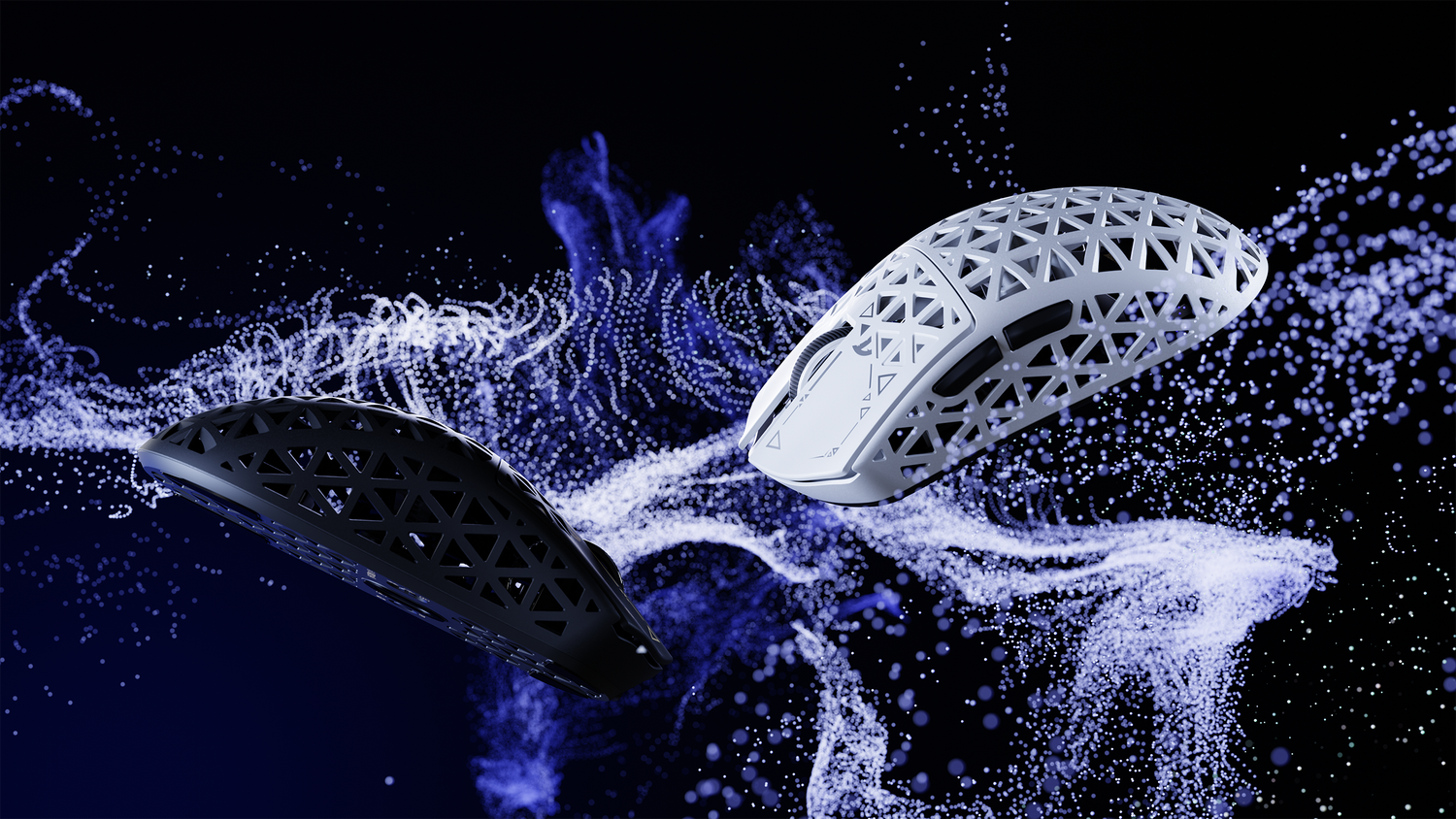
Transparency Disclosure: This guide features technical analysis and product recommendations involving Attack Shark hardware. While our evaluations are based on biomechanical principles and sensor specifications, readers should note that this content is produced in association with the brand.
In the competitive landscape of high-performance gaming, the choice between a symmetrical and an asymmetrical mouse geometry represents the first critical fork in a player's technical setup. While marketing often focuses on peak DPI or polling rates, the physical interaction between the hand and the mouse shell—the ergonomics—dictates the consistency of execution.
Quick Selection Guide (TL;DR)
- Symmetrical Mice: Best for "Flick" aiming (e.g., CS2, Valorant). Favors claw/fingertip grips and provides a neutral balance for rapid re-centering.
- Asymmetrical Mice: Best for "Tracking" (e.g., Apex Legends, Overwatch). Favors palm grips and reduces forearm pronation during sustained movement.
- Technical Sweet Spot: For 1440p displays, aim for at least 1,150 DPI to ensure sensor granularity exceeds pixel density.
- Health Note: Competitive gaming can exceed recommended "Strain Index" thresholds; frequent breaks and ergonomic fit are essential.
The Mechanics of Symmetrical Design
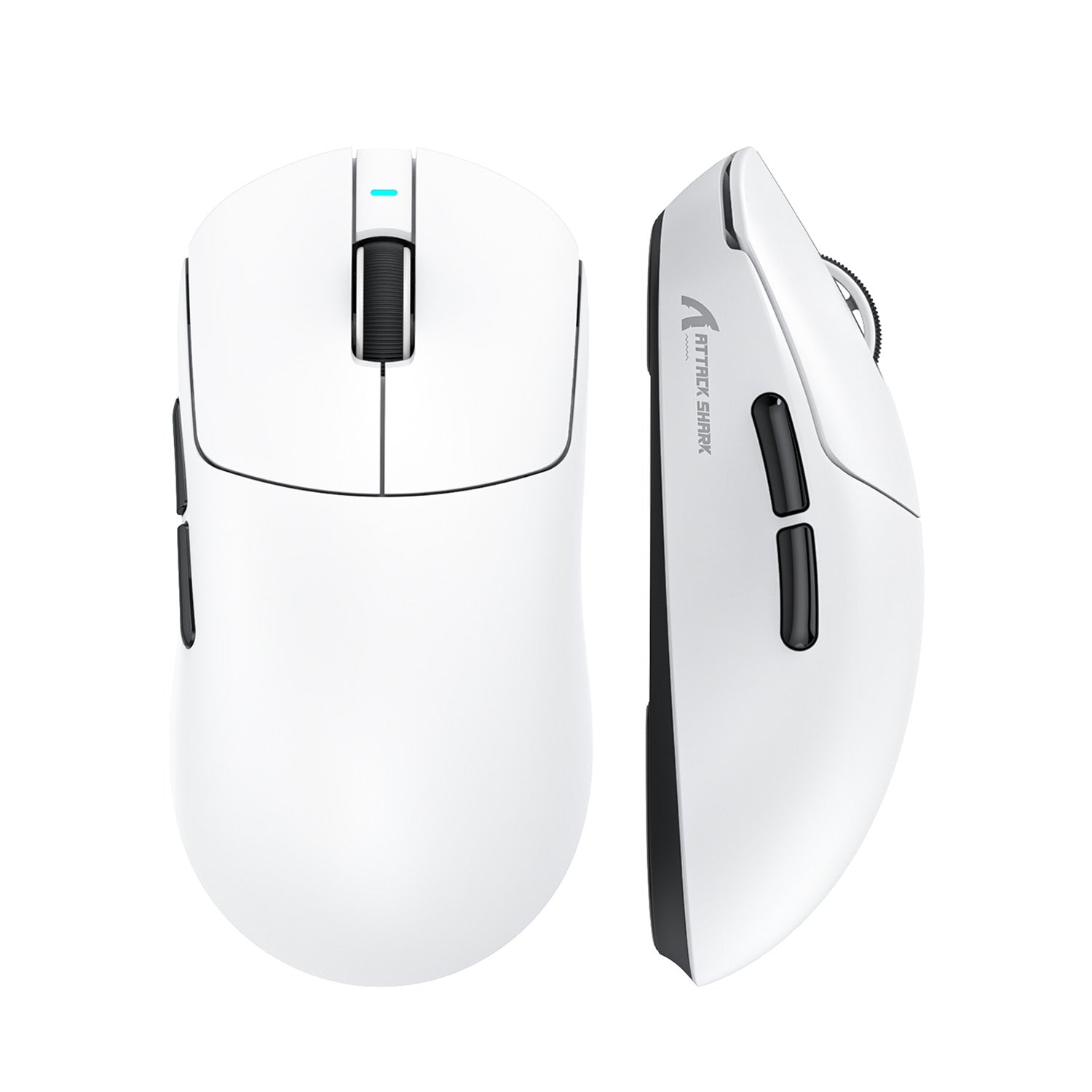
Symmetrical mice, often referred to as ambidextrous shapes, feature a mirrored geometry along the vertical axis. This design is a tactical choice for specific aim styles rather than just left-hand compatibility.
Key Functional Advantages:
- Neutral Balance Point: Symmetrical shells typically offer a predictable center of mass. This facilitates "re-centering"—the act of lifting and repositioning the mouse after a large swipe.
- Uniform Tension: The neutral sides provide consistent anchor points for the thumb and ring finger, which is vital for the high-tension stability required in "claw" or "fingertip" grips.
Practical Tip: For users with larger hands, a common error is selecting a symmetrical mouse that is too short. We suggest ensuring at least a 1cm gap between the base of the palm and the mouse "butt" to allow for fine vertical micro-adjustments.
The Asymmetrical Advantage: Ergonomics and Tracking
Asymmetrical or "ergonomic" mice are sculpted to follow the natural curvature of a right-handed grip, typically featuring a higher arch on the left and a sloping right side to support natural forearm rotation (pronation).
Why it works for Tracking: In games requiring smooth, sustained movement, the contouring "cradles" the hand. This distributes palm weight across a larger surface area, potentially reducing localized pressure on the carpal tunnel and allowing larger muscle groups in the forearm to assist in tracking.
Avoiding "Pinky Drag": Without sufficient right-side support, the pinky finger often drags on the mousepad. This creates asymmetrical friction that can disrupt the sensor’s path. Asymmetrical designs provide the width necessary to keep all digits on the device.
Quantifying the Strain: The Moore-Garg Analysis
To estimate the biomechanical stress of competitive gaming, we apply the Moore-Garg Strain Index (1995), a peer-reviewed methodology used by occupational health professionals to evaluate the risk of distal upper extremity disorders.
Note: The values below are estimates based on observed competitive gaming intensity and do not constitute a clinical diagnosis.
| Variable | Baseline (Office) | Competitive FPS (Claw) | Impact on Strain Score |
|---|---|---|---|
| Intensity of Effort | Light (1) | Extreme (13) | Constant muscle tension for stability |
| Duration of Exertion | <25% (0.5) | >80% (3.0) | High frequency of rapid flicks |
| Efforts per Minute | <4 (0.5) | >20 (3.0) | Constant micro-corrections |
| Posture (Wrist) | Neutral (1.0) | Extension/Ulnar (2.0) | Claw grip forces wrist extension |
| Speed of Work | Slow (1.0) | Fast (1.5) | Rapid target acquisition |
| Duration per Day | 2-4 hrs (0.75) | 8+ hrs (1.5) | Marathon gaming sessions |
| Estimated Strain Index | 5.06 | 64.0 | Hazardous Threshold: >5.0 |
Analysis: A calculated Strain Index of 64.0 suggests a significant risk of biomechanical strain over time. This high value, derived from the multiplier effect of "Extreme Effort" and "High Frequency," explains why players often require a 7-14 day transition period to adapt to new shapes.
Technical Performance: DPI Sampling and Pixel Skipping
Mouse shape influences how you interact with the sensor. While many players stick to 400 or 800 DPI, higher resolution displays (1440p/4K) can cause "pixel skipping" at low DPI settings.
The 1,150 DPI Threshold Derivation: To avoid skipping, the sensor's resolution (DPI) should ideally provide at least one sample per pixel of on-screen movement.
- Assumptions: 1440p resolution, 103° Field of View (FOV), and 40cm/360° sensitivity.
- Calculation: At these settings, there are approximately 8,900 horizontal pixels in a full 360° rotation. Over 40cm (15.75 inches), this requires a minimum of ~565 DPI for 1:1 mapping.
- The "Smoothness" Multiplier: To ensure granularity during rapid flicks and account for angular velocity, a 2x buffer is recommended, leading to the 1,150 DPI recommendation for 1440p.
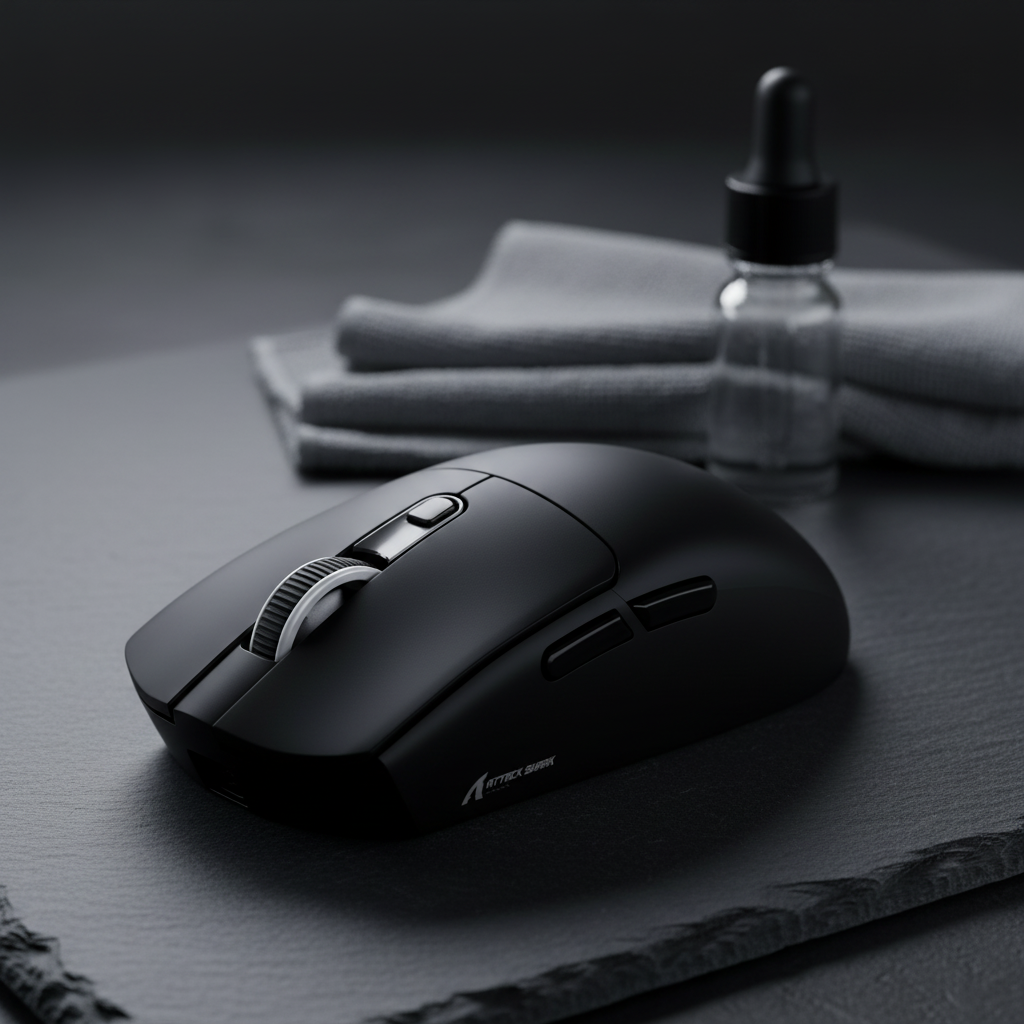
When using the ATTACK SHARK R11 ULTRA Carbon Fiber Wireless 8K, we suggest increasing DPI (e.g., to 1600) and lowering in-game sensitivity to maximize the data available to the PAW3950MAX sensor.

The 8K Polling Rate Bottleneck
High polling rates (8000Hz) offer a 0.125ms response time but introduce specific system requirements:
- CPU Overhead: 8K polling is an Interrupt Request (IRQ) intensive task. Older CPUs may experience frame stuttering.
- USB Topology: Receivers must be plugged into a Direct Motherboard Port (Rear I/O). USB hubs or front-panel headers can cause packet loss.
- Motion Sync: On the ATTACK SHARK R11 ULTRA, the latency added by Motion Sync is negligible (0.0625ms) at 8K, making it ideal for 240Hz+ monitors.
Regulatory Integrity and Safety
Trustworthy hardware is defined by compliance with international safety standards:
- Wireless Safety: Devices should be verifiable via the FCC Equipment Authorization and ISED Canada REL to ensure 2.4GHz frequencies are within safe limits.
- Material Safety: Compliance with the EU RoHS Directive 2011/65/EU ensures the absence of hazardous substances like lead.
Selection Framework: Matching Shape to Persona
Scenario A: The Competitive "Flick" Specialist
- Profile: Small/Medium hands (17-19cm), Claw/Fingertip grip.
- Recommendation: Symmetrical, ultra-lightweight. The ATTACK SHARK G3 Tri-mode (59g) offers the agility needed for rapid re-centering.
Scenario B: The Large-Handed Tracking Specialist
- Profile: Large hands (20cm+), Palm/Hybrid grip.
- Recommendation: Asymmetrical with right-side support. The ATTACK SHARK G3PRO provides an ergonomic profile that fills the hand to reduce fatigue.
Maintenance and Longevity
Internal components dictate a mouse's lifespan. We recommend looking for:
- High-Cycle Switches: HUANO Blue Shell Pink Dot (80M clicks) or Optical Micro Switches (70M clicks) to prevent double-clicking.
- Unified Ecosystems: Sets like the ATTACK SHARK X68HE & X3 Mouse Combo combine Hall Effect magnetic triggers with lightweight (49g) tracking for consistent low-latency performance.
Disclaimer: This article is for informational purposes only and does not constitute professional medical advice. Ergonomic recommendations are based on general industry standards and estimations. Individuals with pre-existing conditions should consult a qualified physiotherapist or ergonomic specialist.
Sources:
- Moore, J. S., & Garg, A. (1995). The Strain Index: A proposed method to analyze jobs for risk of distal upper extremity disorders. American Industrial Hygiene Association Journal.
- FCC Equipment Authorization Database
- EU RoHS Directive (2011/65/EU)
- Global Gaming Peripherals Industry Whitepaper (2026)

Hinterlasse einen Kommentar
Diese Website ist durch hCaptcha geschützt und es gelten die allgemeinen Geschäftsbedingungen und Datenschutzbestimmungen von hCaptcha.