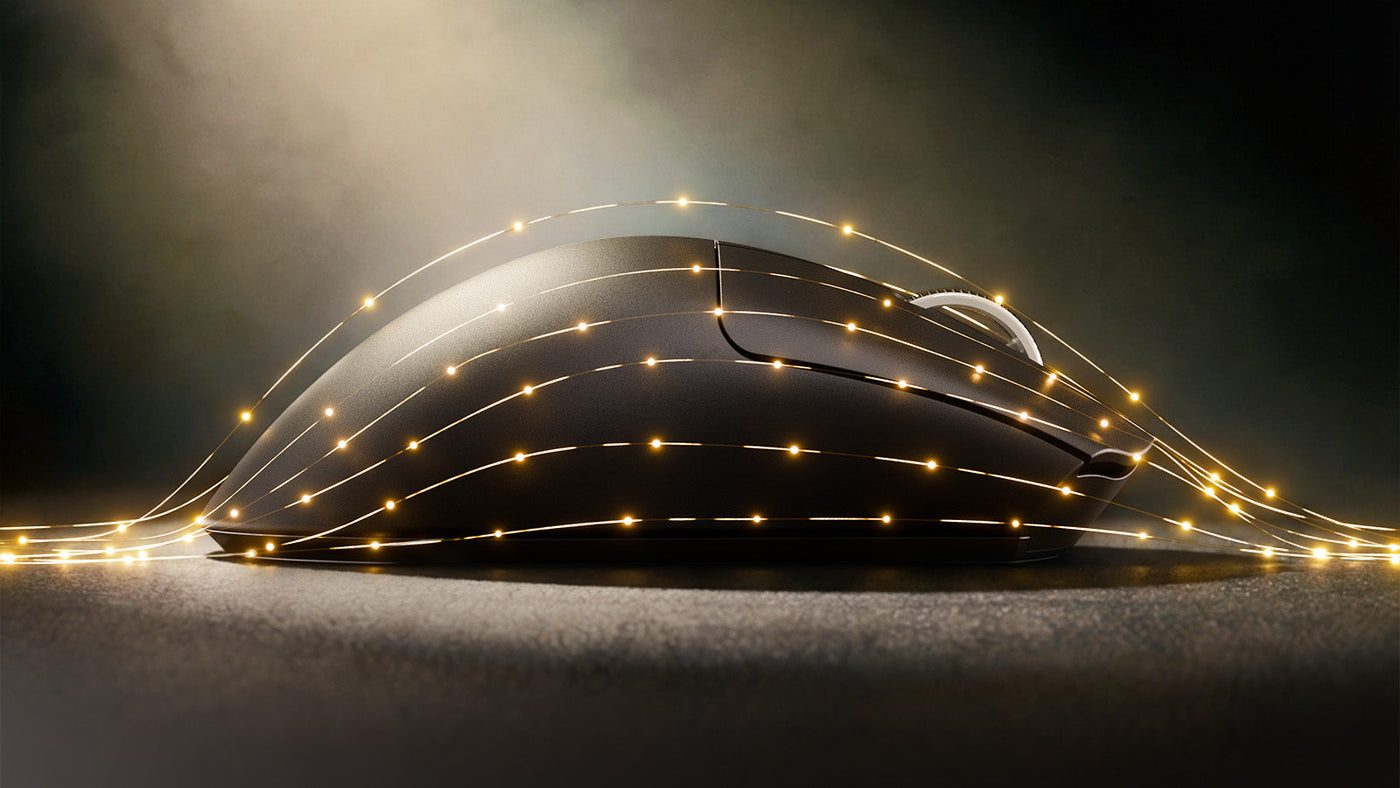
Die Wahl der besten Gaming-Maus beginnt oft mit Spezifikationen wie Sensoren und Gewicht, aber der einflussreichste Faktor ist wohl die Form. Die Debatte zwischen beidhändigen (symmetrischen) und ergonomischen (asymmetrischen) Designs spaltet die Gaming-Community seit Jahren. Das eine setzt auf agile Bewegungen und Fingerspitzenkontrolle, das andere auf Stabilität und Handgesundheit. Ihre Wahl hängt stark von Ihrer Biologie und Ihrem Spielstil ab. Dieser Leitfaden erklärt die Geometrie, die Vorteile jeder Form und wie Sie Ihren Griff an die Maus anpassen, die Ihr Ziel verbessern wird.

Symmetrisch vs. Asymmetrisch: Die Grundgeometrie verstehen
Beidhändige Mäuse sind symmetrisch. Wenn man eine Linie in der Mitte zieht, spiegelt die linke Seite die rechte wider. Sie haben meist ein flacheres Profil und eine Erhebung, die sich in der Mitte oder hinten befindet. Dieses Design fördert einen Griff, bei dem die Finger mehr Arbeit leisten.
Ergonomische (Ergo) Mäuse sind asymmetrisch. Sie sind speziell für die rechte Hand geformt (linkshändige Versionen sind selten). Sie haben ein geneigtes Design, das nach rechts abfällt. Diese Form füllt die Handfläche aus und stützt Daumen und kleinen Finger in einer natürlichen Ruheposition. Ziel ist es, das Handgelenk leicht zu drehen, um die Spannung in den Unterarmmuskeln bei langen Sessions zu reduzieren.
Beidhändige Mäuse: Die Könige der Präzision und schnellen Bewegungen
Beidhändige Mäuse sind der Goldstandard für Nutzer des „Fingertip“- und „Claw“-Griffs. Da sie nicht die voluminösen Kurven ergonomischer Mäuse haben, wirken sie kleiner und handlicher.
Warum sie bei Mikroanpassungen glänzen
Die symmetrische Form ermöglicht einen größeren Bewegungsradius in der Hand. Sie können die Maus mit den Fingern zurück in die Handfläche ziehen oder nach vorne schieben. Diese vertikale Flexibilität ist entscheidend, um Rückstoß in Shootern zu kontrollieren oder winzige Mikroanpassungen für Kopfschüsse vorzunehmen.
Ideal für hohe Mobilität
In schnellen Spielen, in denen Sie die Maus ständig anheben und neu positionieren, fühlt sich der ausgewogene Schwerpunkt einer symmetrischen kabellosen Gaming-Maus natürlicher an. Es geht weniger um Komfort, sondern um rohe Leistung und Geschwindigkeit. Wenn Ihr Spielstil schnelle Bewegungen über das Mauspad erfordert, bietet die beidhändige Form den geringsten Widerstand.

Ergonomische Mäuse: Warum Komfort zu langfristiger Konstanz führt
Ergonomische Mäuse werden von Nutzern des „Palm“-Griffs und Spielern bevorzugt, die Stabilität über reine Geschwindigkeit stellen. Indem sie die Hand ausfüllen, fixieren sie Ihren Griff in einer einzigen, konstanten Position.
Der Stabilitätsfaktor
Da Ihre ganze Hand Kontakt mit dem Gehäuse hat, gibt es mehr Reibung und Kontrolle. Das macht das Tracking – das sanfte Verfolgen eines bewegten Ziels – unglaublich stabil. Sie zielen mit Arm und Handgelenk statt mit den Fingern. Das ist vorteilhaft in taktischen Shootern, wo das Halten eines Winkels oder eine ruhige Fadenkreuzplatzierung wichtiger sind als unkontrollierte Bewegungen.
Ausdauer-Gaming
Die geneigte Form reduziert die Belastung Ihres Karpaltunnels. Wenn Sie sechs Stunden am Stück spielen, hält eine Ergo-Maus Ihre Hand entspannt. Eine entspannte Hand ist eine konstante Hand. Zwar verlieren Sie etwas vertikale Agilität im Vergleich zu einer Ambi-Maus, gewinnen aber die Fähigkeit, Ihre Spitzenleistung länger ohne Ermüdung aufrechtzuerhalten.
Physik zählt: Wie Gewicht und Sensorposition Ihr Ziel beeinflussen
Die Form beeinflusst, wie Sie Gewicht und Sensorposition wahrnehmen. Bei einer ergonomischen Maus ist das Gewicht oft anders verteilt, um die Neigung zu unterstützen.
Bei vielen beidhändigen Mäusen sitzt der Sensor direkt in einer Linie mit Ihren Knöcheln. Das lässt das Zielen wie das Zeigen mit dem Finger wirken. Bei einigen Ergo-Mäusen kann der Sensor aufgrund des Gehäusedesigns etwas höher oder niedriger sitzen.
Ist der Sensor zu weit vorne, übersetzen kleine Handgelenksbewegungen in große Bildschirmbewegungen (hohe Empfindlichkeit). Ist er zu weit hinten, fühlt sich die Maus träge an. Beidhändige Mäuse bieten meist ein neutraleres, vorhersehbareres Sensorgefühl für verschiedene Griffstile, während Ergo-Mäuse eine feste Handposition erfordern, um die Sensorausrichtung richtig zu treffen.

Taktische FPS vs. schnelle Battle Royales: Die richtige Form wählen
Ihr Lieblingsspiel sollte Ihre Hardware beeinflussen. Verschiedene Genres verlangen unterschiedliche Zielmechaniken.
Taktische Shooter (CS:GO, Valorant)
Diese Spiele setzen auf horizontale Bewegungen und das Halten von Winkeln. Die Fadenkreuzplatzierung ist entscheidend. Hier glänzen ergonomische Mäuse. Die Stabilität hilft, das Fadenkreuz auf Kopfhöhe zu halten. Sie müssen nicht ständig nach oben und unten schauen, daher sind die vertikalen Einschränkungen einer Ergo-Maus kein Nachteil. Spiele wie Valorant belohnen diese Stabilität.
Arena-Shooter und Battle Royales (Apex Legends, Overwatch, Fortnite)
Diese Spiele sind chaotisch. Gegner sind über, unter und hinter Ihnen. Sie brauchen 360-Grad-Tracking und schnelle vertikale Anpassungen. Beidhändige Mäuse sind hier überlegen. Die Freiheit, die Maus mit den Fingerspitzen zu steuern, erlaubt es Ihnen, einen fliegenden Gegner zu verfolgen oder blitzschnell auf ein Ziel auf einem Dach zu zielen. Die leichte, agile Natur symmetrischer Mäuse passt zur Geschwindigkeit des Gameplays in Apex Legends.
Kaufberatung: Wie Sie nach Handgröße und Griffstil wählen
Letzten Endes ist das Zielen ein Produkt des Komforts. Um den Gewinner zu wählen, messen Sie Ihre Hand und bestimmen Sie Ihren Mausgriffstil.
- Palm Grip: Wenn Sie einen Palm Grip verwenden und Ihre ganze Hand auf der Maus ruhen lassen, wählen Sie eine Ergo-Maus. Suchen Sie eine Größe, die etwa 60 % Ihrer Handgröße entspricht. Sie bietet die nötige Unterstützung.
- Claw Grip: Spieler mit einem Claw Grip können beide Formen wählen, bevorzugen aber oft beidhändige Mäuse mit einem „Hinterhöcker“. Der Höcker verankert die Handfläche, während die Finger zum schnellen Klicken gewölbt bleiben.
- Fingertip Grip: Der Fingertip Grip erfordert strikt beidhändige Mäuse. Sie brauchen eine kleine, flache Maus, die Ihre Handfläche gar nicht berührt. Eine Ergo-Maus ist für diesen Stil zu voluminös und einschränkend.
Fazit: Finden Sie Ihre perfekte Geometrie für präzises Zielen
Es gibt keine magische Form, die perfektes Zielen garantiert, aber es gibt eine Form, die Ihr Potenzial freisetzt. Wenn Sie ein Spieler sind, der viel trackt und Wert auf Komfort und Stabilität legt, ist die ergonomische Maus Ihr bester Verbündeter. Wenn Sie ein Spieler sind, der schnelle Bewegungen und vertikale Freiheit braucht, ist die beidhändige Maus der klare Sieger. Zwingen Sie sich nicht, sich an eine Maus anzupassen; wählen Sie die Geometrie, die zu Ihrer Handmechanik passt, und beobachten Sie, wie Ihre Konstanz steigt.
FAQ
F1: Kann ich mit einer ergonomischen Maus gut zielen, wenn ich kleine Hände habe?
A: Ja, aber Sie brauchen eine „Mini“-Version. Viele Top-Marken bringen jetzt kleinere Versionen ihrer beliebten Ergo-Modelle heraus. Eine Standard-Ergo-Maus fühlt sich bei kleinen Händen oft wie ein Klotz an und zerstört Ihre Präzision.
F2: Warum benutzen die meisten Profis beidhändige Mäuse?
A: Viele Profis nutzen Fingertip- oder Claw-Griffe, um die Reaktionszeit zu maximieren. Beidhändige Mäuse sind für diese Griffarten besser geeignet. Dennoch verwenden viele Top-Profis auch Ergo-Mäuse wegen der Konstanz, die sie bieten.
F3: Haben kabellose Gaming-Mäuse Eingabeverzögerungen?
A: Moderne High-End kabellose Mäuse sind in Bezug auf Eingabeverzögerung praktisch nicht von kabelgebundenen zu unterscheiden. Tatsächlich verbessert das Fehlen von „Kabelwiderstand“ oft das Zielen mehr als jeder Millisekundenunterschied bei der Signalgeschwindigkeit.
F4: Ist eine ergonomische Maus besser bei Handgelenkschmerzen?
A: Im Allgemeinen ja. Das geneigte Design bringt den Unterarm in eine neutralere Position (weniger Pronation), was den Druck auf die Handgelenksnerven im Vergleich zur flachen Position bei beidhändigen Mäusen reduziert.