Ihre Computergewohnheiten unterwegs mitzunehmen erfordert sorgfältige Planung. Wenn Sie reisen, führt das einfache Einpacken Ihrer teuren Ausrüstung in einen Rucksack ohne Schutz oft zu defekten Schaltern oder beschädigten Sensoren. Zu wissen, wie Sie Ihr Gaming-Setup sicher transportieren, spart Ihnen Geld und Frust.
Dieser Leitfaden zeigt Ihnen praktische Möglichkeiten, Ihre Ausrüstung zu verpacken, reisetaugliche Artikel auszuwählen und alles sicher zu verstauen. Mit einigen physischen Anpassungen können Sie überall eine zuverlässige Erfahrung genießen.

Wählen Sie eine 60%-Tastatur als Ihren Reisebegleiter
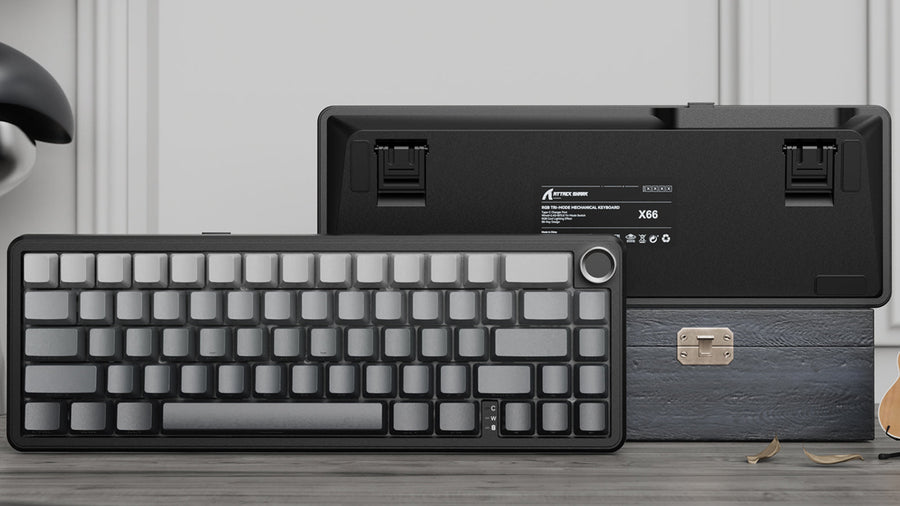
Vollformat-Tastaturen passen selten gut in Standard-Reiserucksäcke. Der Umstieg auf 60-Prozent-Tastaturen löst dieses Platzproblem sofort. Durch das Entfernen des Nummernblocks und der Funktionsreihe bleibt viel zusätzlicher Platz in Ihrer Tasche für Laptop, Kleidung und andere tägliche Essentials.
Schweres Gepäck zu tragen verursacht unnötige körperliche Belastung während der Reise. Viele moderne 60-Prozent-Tastaturen verfügen über leichte Kunststoff- oder kompakte Aluminiumrahmen. Das reduziert Ihre Gesamtlast deutlich, während die notwendige Stabilität für tägliches Tippen und längere Nutzung erhalten bleibt.
Sie könnten befürchten, den Zugriff auf bestimmte Tasten zu verlieren, aber 60-Tastatur-Gaming basiert stark auf anpassbaren Softwareebenen. Sie können weiterhin auf Funktionstasten, Pfeiltasten und Mediensteuerungen über einfache Tastenkombinationen zugreifen. So behalten Sie volle Funktionalität für Arbeitsaufgaben und Wettkampfspiele.
Schützen Sie Ihre Tasten mit passenden Tastaturzubehör
Beim Packen Ihres Rucksacks stehen Ihre Tasten unter Druck von Kleidung und anderen Elektronikgeräten. Die Verwendung von geeignetem Tastaturzubehör hilft, zerdrückte mechanische Schalter zu vermeiden. Ein Hartschalenetui bietet festen Schutz gegen starke Stöße, während eine weiche gepolsterte Hülle vor Kratzern schützt, wenn Sie leicht packen.
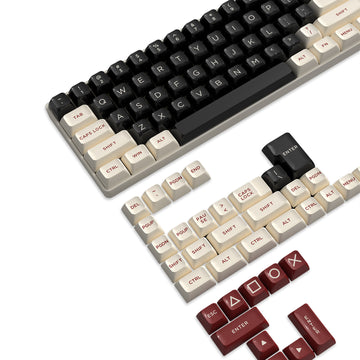
Keycap-Stiele sind zerbrechlich und können abbrechen, wenn sie an lockerem Stoff im Rucksack hängen bleiben. Hartplastikabdeckungen passen direkt über die Tasten, um sie stabil und sicher zu halten. Dieses spezielle Tastaturzubehör wird besonders für Langstreckenflüge oder holprige Zugfahrten empfohlen.
Hotelzimmer und Transitlounges enthalten oft Staub oder Tierhaare. Eine einfache Silikon-Staubschutzabdeckung über Ihrer Tastatur, wenn Sie sie kurz weglegen, hält Schmutz von den internen Schaltern fern. Dieser kleine, kostengünstige Schritt verlängert die Lebensdauer Ihrer Ausrüstung erheblich.
Kabelmanagement für eine ordentliche Reiseerfahrung
Unordentliche Kabel verlangsamen oft das Auspacken. Die Verwendung eines Spiralkabels und anderer intelligenter Verbindungsmethoden hilft Ihnen, sich schnell in kleinen Hotelzimmern einzurichten.
- Verwendung eines Spiralkabels: Ein Spiralkabel dehnt sich aus, wenn Sie mehr Länge benötigen, und zieht sich zusammen, wenn Sie näher am Bildschirm sitzen. Diese natürliche Elastizität hält Ihren temporären Schreibtischbereich ordentlich und reduziert stark die Gefahr von lästigen Kabelverwicklungen im Gepäck.
- Wahl eines abnehmbaren USB-C: Tastaturen mit fest angeschlossenen Kabeln sind schwerer zu verstauen und neigen dazu, am Anschluss zu knicken. Abnehmbare USB-C-Anschlüsse ermöglichen es, das Kabel komplett getrennt von der Tastatur zu lagern.
- Verwendung von Kabelorganisatoren: Klettbänder oder kleine Reißverschlusstaschen halten Ihr Spiralkabel und Ladekabel getrennt. Organisierte Kabel verhindern, dass Metallstecker andere empfindliche Geräte zerkratzen.

Wählen Sie eine kabellose Gaming-Maus für kabellose Bewegungsfreiheit
Mehr Bewegungsfreiheit gewinnen
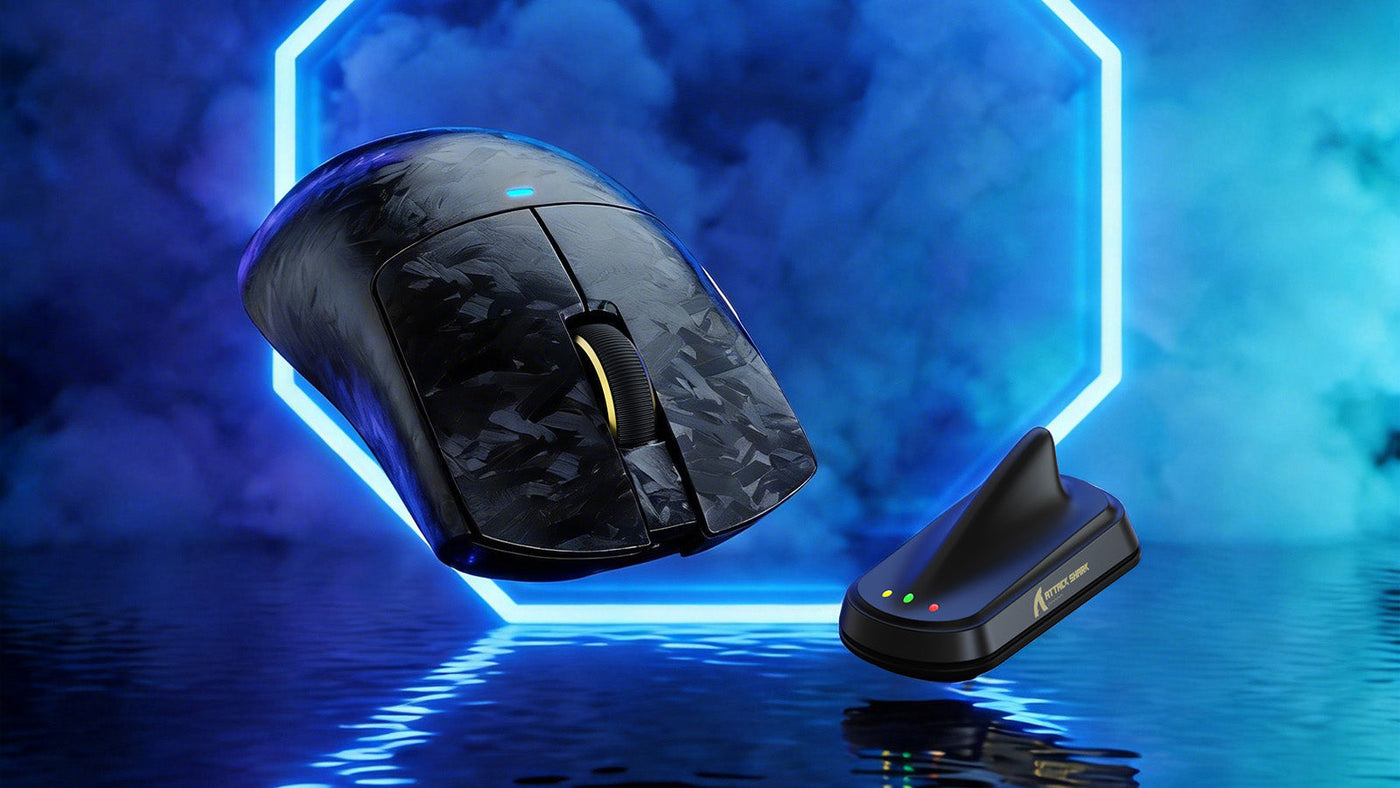
Hotel-Schreibtische und Cafétische haben meist begrenzte Fläche. Die Verwendung einer kabellosen Gaming-Maus beseitigt Kabelzug vollständig und gibt Ihnen mehr Platz für komfortable Bewegungen. Ohne Kabel, das an Tischkanten hängen bleibt, wird Ihr 60-Tastatur-Gaming-Erlebnis viel flüssiger und reaktionsschneller.
USB-Dongle sicher aufbewahren
Das größte Risiko bei kabellosen Geräten ist der Verlust des kleinen USB-Empfängers. Wenn Sie Ihre kabellose Gaming-Maus nicht mehr benutzen, stecken Sie den Dongle sofort wieder in das Fach unter dem Gerät. Diese Gewohnheit verhindert, dass Sie ihn an öffentlichen Computern stecken lassen.
Batterielebensdauer unterwegs verwalten
Während einer Session ohne Strom dazustehen, ist sehr frustrierend. Laden Sie Ihre Geräte vor der Abreise vollständig auf. Es ist auch hilfreich, ein Mehrfach-Wandladegerät mitzunehmen, damit Sie Ihre kabellose Gaming-Maus und Ihr Telefon über Nacht gleichzeitig aufladen können.
Schichten Sie Ihre Technik-Tasche für maximalen Schutz
Wie Sie Gegenstände in Ihrem Rucksack platzieren, beeinflusst direkt deren Sicherheit. Eine richtige Gewichtsverteilung verhindert Quetschungen im Inneren und macht das Tragen über lange Strecken viel angenehmer.
- Kernzone schaffen: Legen Sie Ihren Laptop und Ihre Tastatur flach an die Rückwand Ihres Rucksacks. Dieser stabile Bereich bietet die meiste Stabilität und schützt Ihre schwerste und teuerste Ausrüstung vor äußeren Stößen.
- Mauspuffer einrichten: Ihre kabellose Gaming-Maus enthält einen sehr empfindlichen optischen Sensor. Packen Sie sie oben im Rucksack oder in eine spezielle gepolsterte Tasche, fern von schweren Netzteilen, die sich während der Reise verschieben könnten.
- Gewichtsverteilung ausbalancieren: Schwere Gegenstände gehören ganz nach unten in den Rucksack. Das senkt den Schwerpunkt, reduziert die Belastung für Ihre Schultern und sorgt dafür, dass der Rucksack beim Abstellen auf dem Boden aufrecht steht.
Reisesicherheit und Gerätepflege beachten
Die Flughafensicherheit verlangt, dass Sie bestimmte Regeln für tragbare Elektronik einhalten. Die meisten kabellosen Mäuse und 60-Prozent-Tastaturen enthalten eingebaute Lithiumbatterien. Diese müssen in der Regel im Handgepäck bleiben, da aufgegebenes Gepäck extremen Temperaturschwankungen ausgesetzt ist, die die Batterien beschädigen können.
Ihr Gaming-Setup sammelt schnell Schmutz, wenn Sie zwischen verschiedenen öffentlichen Orten wechseln. Ein kleines Mikrofasertuch und eine Mini-Reinigungsbürste helfen Ihnen, die Hygiene zu bewahren. Das Abwischen Ihrer Ausrüstung vor dem Einpacken verhindert, dass sich angesammeltes Öl in der Hardware festsetzt.
Zusammenfassung:
Mit Ihrer Ausrüstung zu reisen muss keine stressige Erfahrung sein. Durch die Wahl kompakter Hardware und eine durchdachte Organisation Ihrer Tasche schützen Sie Ihre Investition vor physischen Schäden. Ein paar zusätzliche Minuten fürs richtige Packen sorgen dafür, dass Ihre Hardware sofort einsatzbereit ist, sobald Sie Ihr Ziel erreichen. Gute Reise und viel Spaß unterwegs.
FAQ zum Reisen mit Ausrüstung
Kann ich ein Spiralkabel mit jeder Tastatur verwenden?
Ja, solange Ihr Gerät einen abnehmbaren USB-Anschluss hat. Achten Sie nur darauf, dass das Spiralkabel Datenübertragung unterstützt und nicht nur das Laden, damit Ihre Tastatureingaben korrekt registriert werden.
Sind 60-Prozent-Tastaturen schwer zu erlernen?
Es gibt meist eine kurze Lernkurve. Da 60-Tastatur-Gaming die Nutzung funktionaler Ebenen für bestimmte Befehle erfordert, kann es einige Tage konsequentes Üben dauern, bis sich die Muskelgedächtnis entwickelt hat.
Sollte ich spezielles Tastaturzubehör für Flüge kaufen?
Ein Hartschalen-Trageetui ist das wichtigste Zubehör, das Sie kaufen können. Es bietet festen Schutz gegen das ständige Verrutschen im Gepäckfach des Flugzeugs.
Ist eine kabellose Gaming-Maus langsamer als eine kabelgebundene?
Die moderne kabellose Technologie hat sich in den letzten Jahren stark verbessert. Ein hochwertiges kabelloses Gerät bietet in der Regel die gleiche niedrige Latenz und Reaktionszeit wie kabelgebundene Modelle.
Wie schütze ich mein gesamtes Gaming-Setup im Koffer?
Wenn Sie Ihr Gaming-Setup unbedingt im aufgegebenen Gepäck transportieren müssen, wickeln Sie jede Komponente fest in dicke Kleidung ein. Es ist jedoch generell sicherer, Ihre wichtigsten Elektronikgeräte im Handgepäck zu behalten.