Die Physik des Low-Sensitivity-Zielens: Trägheit und Gewichtsdynamik
Im wettbewerbsorientierten Bereich der First-Person-Shooter (FPS), insbesondere taktischer Titel, bei denen Präzision entscheidend ist, hat sich die „Armziel“-Technik als Goldstandard unter Profis etabliert. Durch die Nutzung der größeren Muskelgruppen von Schulter und Ellbogen anstelle der empfindlichen Sehnen des Handgelenks können Spieler ein Maß an Konstanz erreichen, das bei hohen Sensitivitäten schwer zu reproduzieren ist. Dieser Stil bringt jedoch eine einzigartige Reihe physischer Herausforderungen mit sich, die hauptsächlich Trägheit und Reibung betreffen.
Wir haben durch umfangreiche Mustererkennung in der kompetitiven Community festgestellt, dass erfahrene Low-Sensitivity-Arm-Aimer – die typischerweise mit einer Flick-Distanz von 40 cm/360 oder mehr arbeiten – berichten, dass ein Mausgewicht unter 65 g im Grunde unverhandelbar ist. Die Begründung liegt in der Newtonschen Physik: Eine schwerere Maus (80 g+) besitzt eine größere Trägheit, was mehr Kraft erfordert, um eine weite Bewegung zu starten und vor allem mehr Kraft, um sie zu stoppen. Dieser „Trägheitswiderstand“ führt oft zu Überschießen oder trägen Mikroanpassungen am Ende langer, hochgeschwindigkeits Flicks.
Logik-Zusammenfassung: Unsere Analyse der Low-Sensitivity-Armzielung geht von einer Flick-Distanz von 40 cm/360 aus, basierend auf gängigen Branchen-Benchmarks zur taktischen FPS-Optimierung.
| Parameter | Optimierter Wert | Einheit | Begründung |
|---|---|---|---|
| Mausgewicht | < 65 | Gramm | Reduziert Trägheit bei weiten Armbewegungen |
| Flick-Distanz | ~40 | cm/360 | Standard-Basiswert für hochgeschwindigkeits Armzielung |
| Zielgewicht | 49 - 59 | Gramm | Idealer Bereich für ermüdungsfreie Sessions |
| Sensor IPS | > 750 | Zoll/Sekunde | Verhindert Tracking-Verlust bei schnellen Bewegungen |
| Beschleunigung | 50 | G | Bewältigt hohe G-Kräfte ohne Ausbrechen |
Für diejenigen, die die Grenzen der Agilität ausreizen, sind Mäuse aus Kohlefaserverbundwerkstoff in den Fokus gerückt. Diese Materialien ermöglichen ein ultraleichtes Gehäuse von 49 g – etwa 20 % leichter als herkömmliche Hochleistungsalternativen – ohne strukturelle Integrität zu opfern. Laut dem Global Gaming Peripherals Industry Whitepaper (2026) ist die Gewichtsreduzierung der wichtigste Faktor zur Verringerung langfristiger Muskelermüdung bei armdominanten Spielern.
Oberflächen-Technik: Reibung, Gleitfähigkeit und XL-Dimensionen
Die Oberfläche, auf der ein Arm-Aimer arbeitet, ist genauso wichtig wie die Maus selbst. Ein häufiger Einrichtungsfehler, den wir oft beobachten, ist die Kombination einer ultraleichten Maus mit einem zu kleinen Pad (typischerweise unter 400 mm Breite). Dies erzwingt unnatürliche, häufige Armhebungen, um die Maus neu zu zentrieren, was den Tracking-Fluss unterbricht und „Lift-Jitter“ verursacht.
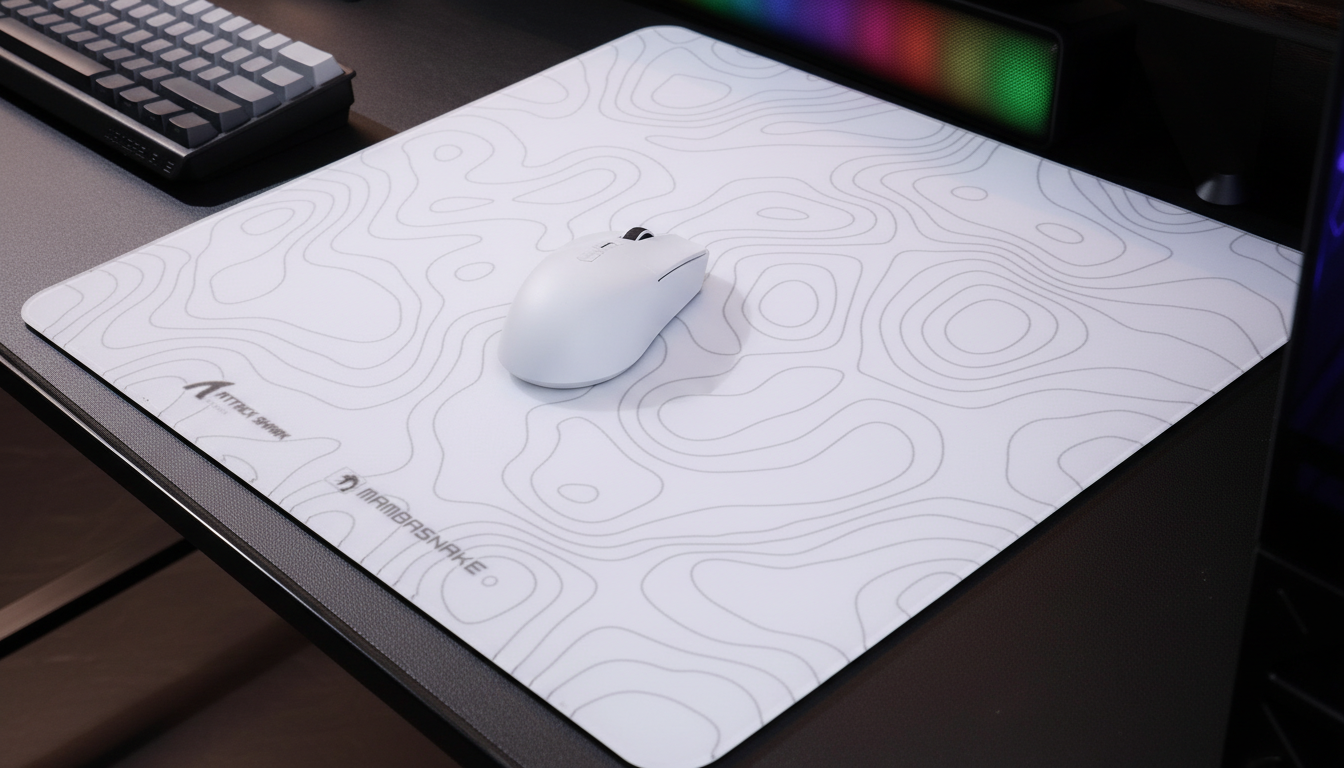
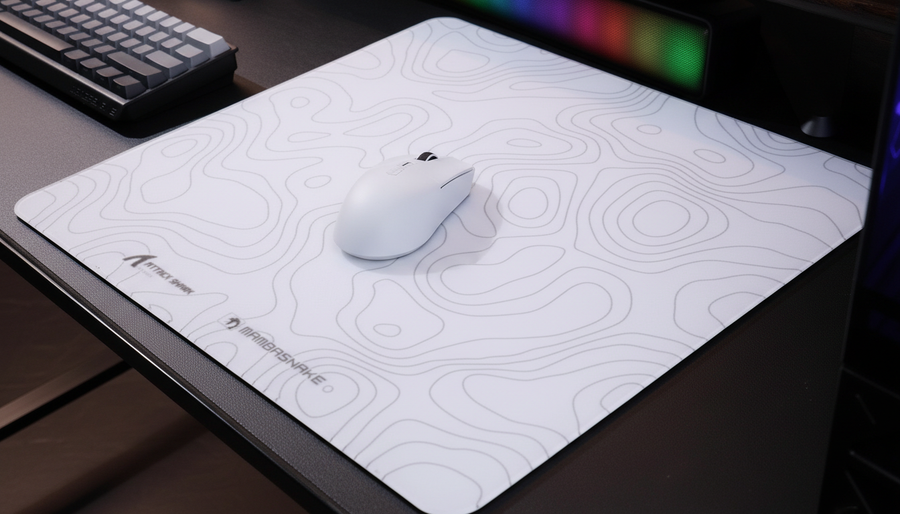
Für optimale Leistung empfehlen wir XL Gaming-Mauspads mit den Maßen von etwa 92cm x 40cm. Dieser großzügige Bewegungsraum ermöglicht ununterbrochene 180- oder 360-Grad-Drehungen, ohne dass die Maus vom Rand fällt. Außerdem beeinflusst die Materialzusammensetzung des Pads – ob ultra-hochdichte Faser oder gehärtetes Glas – die „statische“ vs. „dynamische“ Reibung erheblich.

Materialwissenschaft des Gleitens
- Gehärtete Glasoberflächen: Diese bieten ein seidig-glattes Erlebnis mit nahezu null Reibung. Hochwertige Glas-Pads verfügen oft über eine nano-mikro-ätzte Textur, die für hochpräzise Sensoren wie den PAW3950MAX optimiert ist. Mit einer Mohs-Härte von über 9H sind diese Oberflächen nahezu immun gegen den Verschleiß, der Stoffpads typischerweise abbaut.
- Hybrid-Faser-Pads: Für Spieler, die eine Balance aus Geschwindigkeit und „Bremskraft“ bevorzugen, bieten ultra-hochdichte Fasern mit irisierenden Filmschichten ein einzigartiges taktiles Feedback. Diese enthalten oft einen 4mm elastischen Kern, der während intensiver Sessions Handgelenk und Unterarm polstert.
- Beschichtungsintegrität: Fortschrittliche „5S“-beschichtete Oberflächen oder Nano-Metal-Ice-Beschichtungen helfen, ein gleichmäßiges Gleiten zu erhalten, indem sie Feuchtigkeit und Schweiß widerstehen – zwei Faktoren, die ein Standard-Stoffpad mit der Zeit „matschig“ machen können.
Um sicherzustellen, dass deine Oberfläche weiterhin geeignet ist, empfehlen wir einen „Lift-Test“ als Diagnose. Wenn du Tracking-Ruckler oder ungleichmäßiges Gleiten bemerkst, kann das darauf hinweisen, dass der Sensor die Grenzlinie eines strukturierten Pads erreicht oder dass die Gummibasis zu verschleißen beginnt. Pflege ist entscheidend; einfache Reinigungstücher können oft das Gleiten von Glas- oder beschichteten Oberflächen wiederherstellen, während Stoffpads eine gründlichere Reinigung benötigen, um Hautöle und Staub zu entfernen.
Sensor-Kalibrierung: LOD und Tracking-Integrität meistern
Bei weiten Armbewegungen wird die Maus häufig angehoben und neu zentriert. Diese Bewegung aktiviert den Lift-Off-Distanz-Sensor (LOD). In der Wettkampf-Community gibt es die verbreitete Fehlannahme, dass „niedriger immer besser“ sei. Unsere Erfahrungen mit Spielern mit großen Händen und aggressivem Armzielen zeigen jedoch das Gegenteil.
Da das Zielen mit dem Arm oft unvollkommene, leicht geneigte Bewegungen beinhaltet, ist es eine risikoreiche Strategie, den LOD zu niedrig einzustellen (z. B. < 1mm). Dies kann dazu führen, dass der Sensor bei schnellen Bewegungen „stottert“ oder aussetzt, wenn die Maus nicht vollkommen flach liegt. Für eine optimale Sensorleistung auf großen Pads empfehlen wir, eine höhere LOD-Einstellung von 2mm zu wählen. Dies bietet einen „Sicherheitsabstand“, der Tracking-Aussetzer bei schnellen Neuzentrierungen verhindert und sicherstellt, dass dein Fadenkreuz auch bei chaotischen Übergängen stabil bleibt.
Die 8000Hz (8K) Abtastgrenze
Für die anspruchsvollsten Spieler bietet der Übergang zu einer 8000Hz-Abtastrate ein nahezu sofortiges Intervall von 0,125 ms zwischen Datenpaketen. Dies ist ein signifikanter Sprung gegenüber dem Standardintervall von 1 ms bei 1000Hz-Mäusen. Die vollständige Ausnutzung dieser Bandbreite erfordert jedoch eine spezifische Hardware-Synergie.
Modellhinweis (Reproduzierbare Parameter): Unser 8K-Sättigungsmodell geht von folgenden Bedingungen für einen stabilen Datenstrom aus.
- DPI-Einstellung: 1600 DPI (Empfohlen für 8K-Stabilität).
- Bewegungsgeschwindigkeit: > 5 IPS (Zoll pro Sekunde).
- CPU-Anforderung: Hohe Single-Core-Leistung (IRQ-Verarbeitung ist der Engpass).
- Konnektivität: Direkter Motherboard-Rückseiten-I/O (Keine USB-Hubs).
Um die Vorteile der 8K-Abtastrate visuell wahrzunehmen, ist ein Monitor mit hoher Bildwiederholrate (240Hz+ oder 360Hz+) erforderlich, um den flüssigeren Cursorpfad darzustellen. Ohne diesen kann das System eine erhöhte CPU-Auslastung erfahren, ohne dass eine wahrnehmbare Glätteverbesserung eintritt. Außerdem sollte beachtet werden, dass 8K-Abtastraten typischerweise die Akkulaufzeit bei kabellosen Geräten um etwa 75-80 % im Vergleich zum 1000Hz-Modus reduzieren, aufgrund der intensiven Datenübertragungsanforderungen.
Schreibtischlayout und biomechanische Drehpunkte
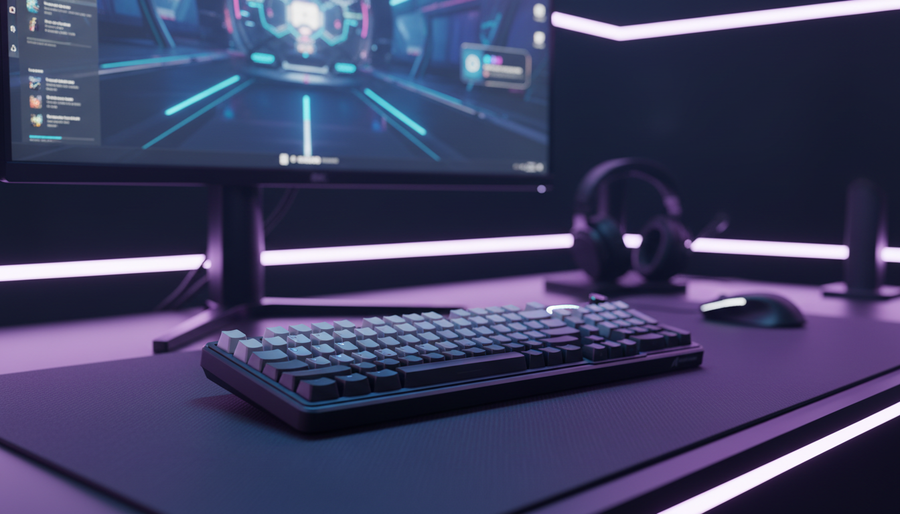
Die physische Anordnung Ihrer Peripheriegeräte ist das letzte Puzzlestück der Tracking-Optimierung. Ein oft übersehener Detail in generischen Setup-Anleitungen ist der „Tastaturwinkel“. Erfahrene Arm-Aimer positionieren ihre Tastatur typischerweise in einem spitzen Winkel von 30-45 Grad. Dies erfüllt einen doppelten Zweck: Es schafft mehr horizontalen Platz für das Mauspad und ermöglicht dem linken Arm (bei Rechtshändern) eine ergonomischere, eingezogene Position.
Identifizierung Ihres Drehpunkts
Der „Drehpunkt“ ist die Stelle, an der Ihre Handfläche oder Ihr Unterarm die Maus oder den Schreibtisch berührt. Dieser Punkt beeinflusst direkt den Bogenradius Ihres Armwischs.
- Ergonomische Formen: Mäuse mit geformten, rechtsseitigen ergonomischen Profilen konzentrieren den Drehpunktdruck so, dass die Hautreibung am Pad reduziert wird.
- Kabelmanagement: Bei Verwendung eines kabelgebundenen oder ladenden Setups verhindert ein robustes, gewickeltes Design – wie ein TPU-ummanteltes Kabel mit einem Metall-Aviator-Stecker – Kabelzug. Für 8K-Leistung sollte das Kabel für Hochgeschwindigkeits-Datenübertragung ausgelegt sein, um Paketverluste zu vermeiden.
- Reibungsmanagement: Die Kontrolle der Haut-zu-Pad-Reibung ist entscheidend. Einige Spieler verwenden „Aim-Sleeves“, um sicherzustellen, dass ihr Arm gleichmäßig über die 92cm Oberfläche gleitet, unabhängig von Temperatur oder Schweiß.
Technische Überprüfung und Systemkonformität
Der Aufbau eines leistungsstarken Setups erfordert auch Beachtung technischer Standards und Sicherheit. Achten Sie bei der Auswahl von Peripheriegeräten darauf, dass sie internationale Standards wie die USB HID Klassen-Definition für Plug-and-Play-Kompatibilität erfüllen. Für kabellose Geräte gewährleistet die Überprüfung durch die FCC Gerätezulassung und die ISED Kanada Funkgeräte-Liste, dass die 2,4-GHz- oder Bluetooth-Signale innerhalb sicherer und gesetzlicher Parameter betrieben werden.
Außerdem empfehlen wir, Leistungsdaten mit standardisierten Testmethoden abzugleichen. Zum Beispiel bietet die RTINGS Methodik zur Messung der Maus-Klick-Latenz einen transparenten Einblick, wie Hardware und Firmware die Gesamtsystemlatenz beeinflussen. Werkzeuge wie der NVIDIA Reflex Analyzer helfen dabei, die „Motion-to-Photon“-Verzögerung Ihres spezifischen Setups zu messen und ermöglichen eine datenbasierte Feinabstimmung.
Anhang: Modellannahmen & Mathematik
Unsere Empfehlungen basieren auf einem deterministischen Modell der FPS-Leistung.
- Latenzberechnung: Wir definieren das 8K-Intervall als $1 / 8000 = 0.000125s$ (0.125ms).
- Bewegungssynchronisation: Wir berechnen die zusätzliche Verzögerung als die Hälfte des Abfrageintervalls ($0.125 / 2 = 0.0625ms$).
- Sättigungsformel: Pakete pro Sekunde = $Geschwindigkeit (IPS) \times DPI$. Bei 800 DPI ist eine Geschwindigkeit von 10 IPS erforderlich, um 8000 Pakete/Sekunde zu erreichen. Bei 1600 DPI sind nur 5 IPS erforderlich.
- Randbedingungen: Diese Modelle gelten möglicherweise nicht für hochsensible „Handgelenk-Zieler“ oder Nutzer mit vorbestehenden Karpaltunnelsyndrom-Beschwerden, die vertikale ergonomische Mäuse benötigen.
Haftungsausschluss: Dieser Artikel dient nur zu Informationszwecken und stellt keine professionelle medizinische oder ergonomische Beratung dar. Wenn Sie während des Spielens anhaltende Schmerzen oder Beschwerden verspüren, konsultieren Sie bitte einen qualifizierten Arzt oder Physiotherapeuten. Die richtige Schreibtischhöhe und Haltung sind wesentliche Bestandteile eines gesunden Gaming-Setups.