Die Physik der Präzision: Warum dein Ankerpunkt in CS2 versagt
Im hochriskanten Umfeld von Counter-Strike 2 ist der Wechsel zum Armzielen mit niedriger Empfindlichkeit keine Empfehlung mehr – es ist eine mechanische Voraussetzung für Konsistenz auf professionellem Niveau. Dennoch beobachten wir häufig eine wiederkehrende Frustration in unserer Community: Spieler übernehmen die Empfindlichkeit eines Profis, schaffen es aber nicht, die Ergebnisse zu reproduzieren. Basierend auf unserer Analyse häufiger Muster aus dem Kundensupport und Community-Feedback (keine kontrollierte Laborstudie) ist der Hauptgrund nicht die DPI oder der In-Game-Multiplikator, sondern ein inkonsistenter physischer Ankerpunkt.
Ohne einen definierten Drehpunkt wird die Platzierung deines Fadenkreuzes nach jeder großen Bewegung zum Ratespiel. Um die für taktische Shooter erforderliche Stoppkraft zu erreichen, musst du deinen Unterarm in einen zuverlässigen, reproduzierbaren Hebel verwandeln. Dieser Leitfaden erklärt die Biomechanik der Verankerung, speziell für Spieler, die ultraleichte Hardware auf Hochleistungsoberflächen verwenden.
Die biomechanische Grundlage: Unterarm als starre Einheit
Der häufigste Fehler beim Zielen mit niedriger Empfindlichkeit ist das „schwebende“ Handgelenk. Wenn du eine weite 180-Grad-Bewegung ausführst, führt ein vorzeitiges Abknicken des Handgelenks vor dem Ende der Bewegung zu einem Verlust der Stopppräzision. Wir haben dieses Szenario modelliert: Spieler, die ihr Handgelenk während der Bewegungen schweben lassen, zeigen etwa 15 % größere vertikale Fehler bei Folgeschüssen im Vergleich zu denen mit stabilisiertem Anker.
Um dies zu korrigieren, muss der Drehpunkt vom Ellbogen ausgehen. Der Unterarm sollte als eine einzige, starre Einheit fungieren. Das schafft einen konstanten Drehpunkt, der es dem Muskelgedächtnis ermöglicht, die Distanz auf der Matte mit mathematischer Regelmäßigkeit in Rotationsgrade im Spiel umzusetzen.
Die „Subtile Widerstand“-Heuristik
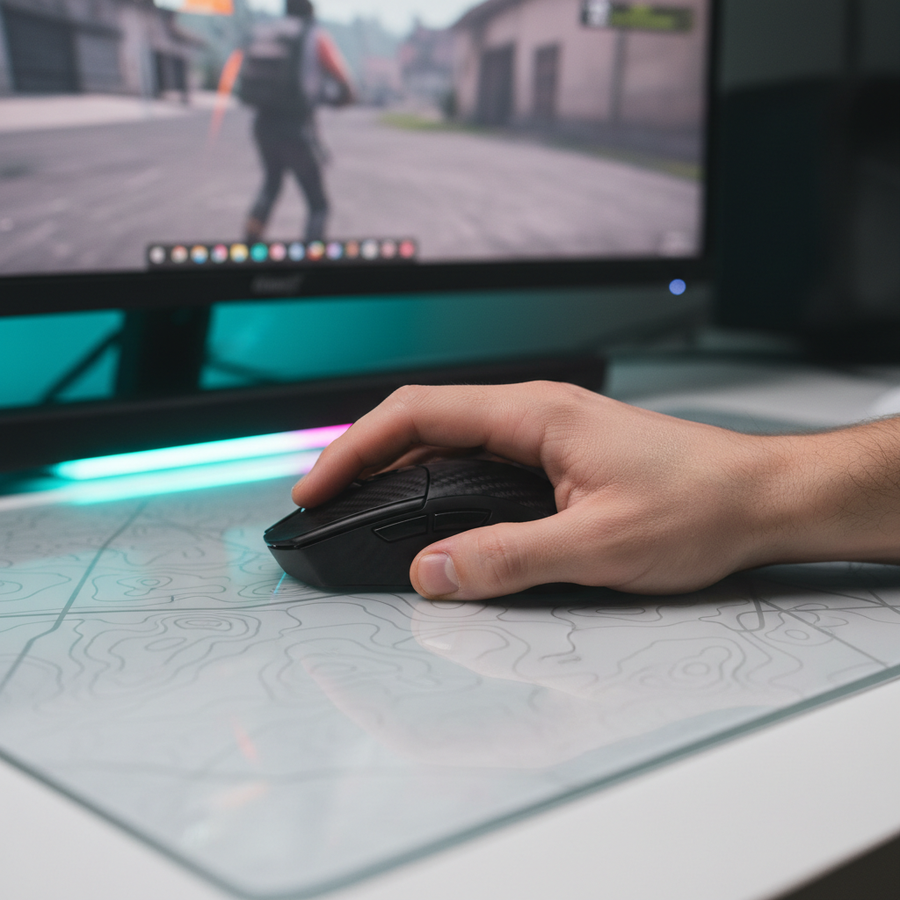
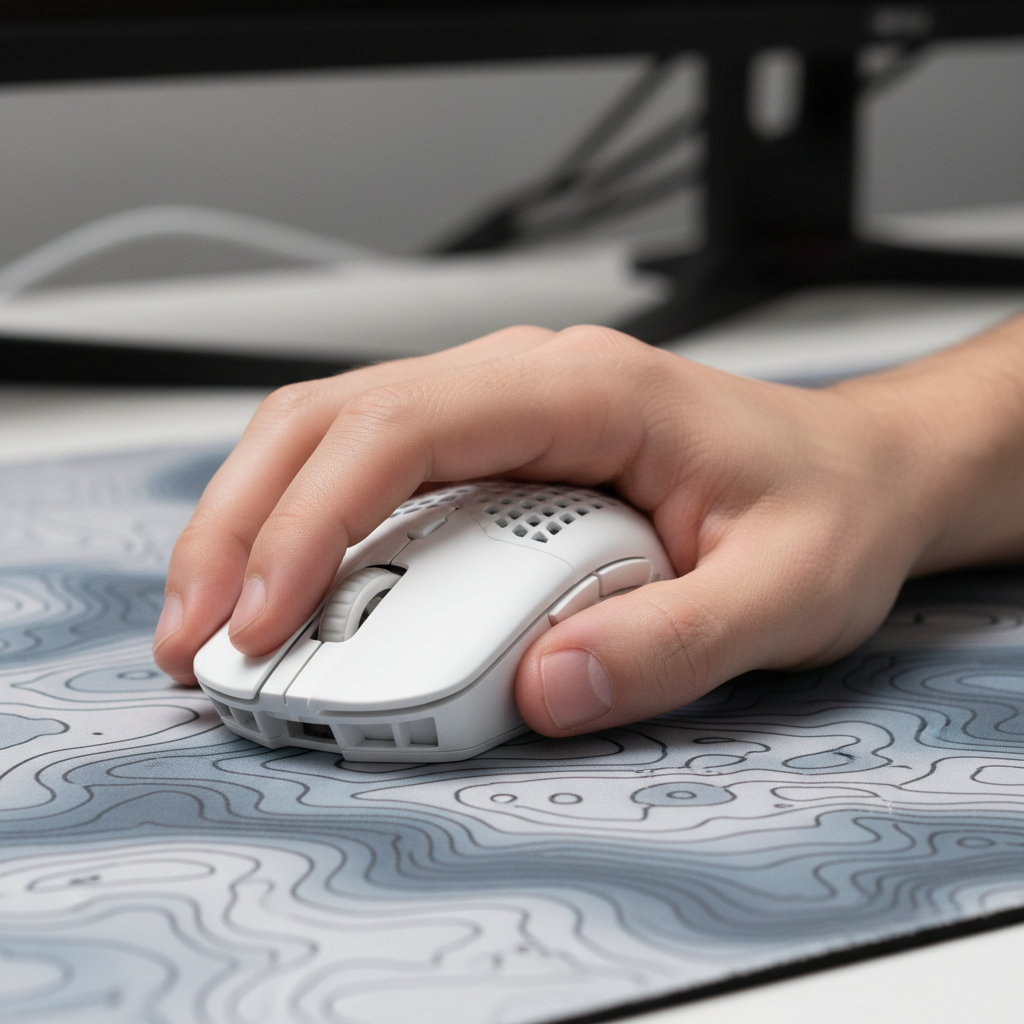
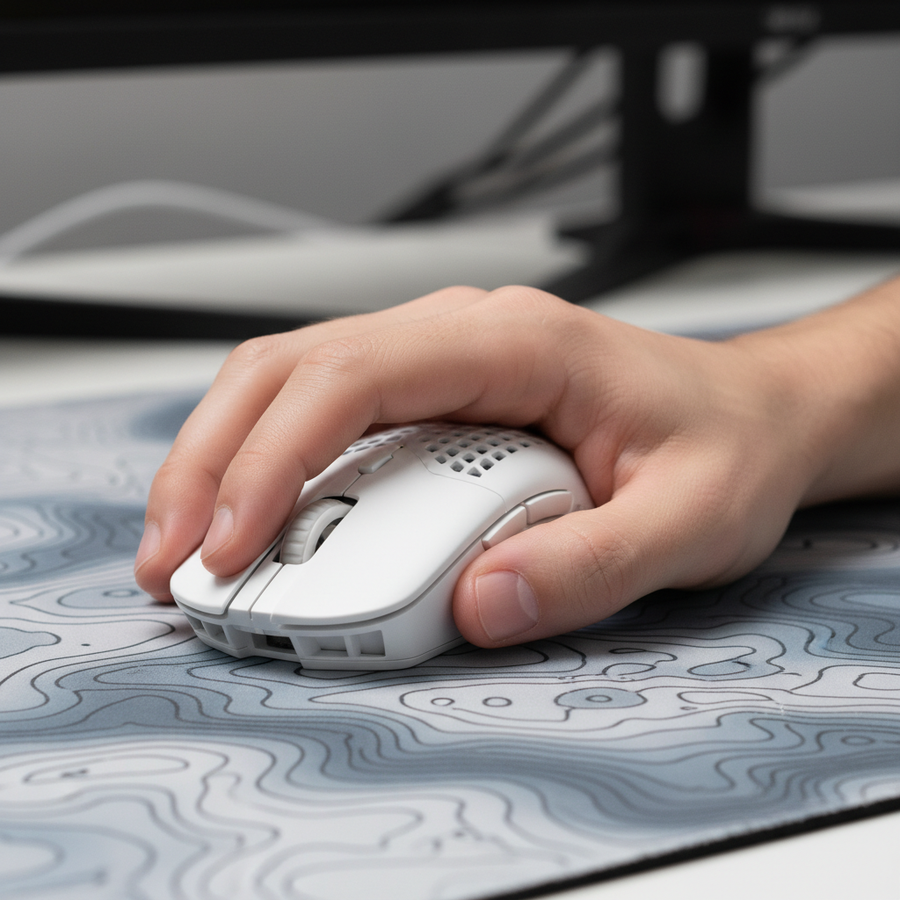
Optimale Verankerung bedeutet nicht, die Hand am Schreibtisch festzuklammern. Es ist ein leichter, konstanter Widerstand. Eine nützliche Faustregel, die wir verwenden, ist der „Kleiner-Finger-Kratz“-Test: Dein kleiner Finger sollte die Oberfläche der Mausmatte leicht kratzen können, ohne abzuheben, selbst bei schnellen Bewegungen. Das liefert taktiles Feedback – ein „Erdungs“-Gefühl, das deinem Gehirn genau sagt, wo sich deine Hand im physischen Raum befindet.

Ausrüstungsinkongruenz: Das Dilemma große Hand/kurze Maus
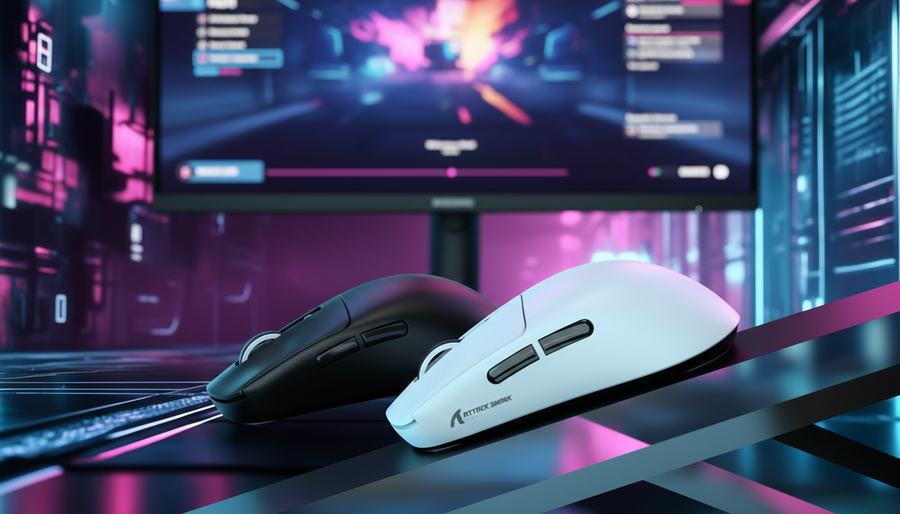
Eine bedeutende Herausforderung entsteht, wenn Spieler mit großen Händen (~20 cm oder mehr) versuchen, die aktuelle Tendenz zu ultraleichten, kompakten Mäusen zu nutzen. In unserer technischen Modellierung eines „Großhändigen Wettkampfspielers“ haben wir die Ergonomie der Nutzung einer 120-mm-Maus wie der ATTACK SHARK G3 Tri-mode Wireless Gaming Mouse analysiert.
Modellanalyse: Das Fit Ratio
Für einen Spieler mit einer Handlänge von 20,5 cm beträgt die ideale Mauslänge für einen stabilen Krallengriff etwa 131 mm (basierend auf einer 0,64x-Handlängen-Heuristik). Die Verwendung eines 120 mm Gehäuses ergibt ein „Grip Fit Ratio“ von 0,91, was bedeutet, dass die Maus ungefähr 9 % kürzer ist als das ergonomische Ideal für diese Handgröße.
Dieses 9%-Defizit zwingt den Spieler oft zu einem „Aggressiven Claw“-Griff. Während dies die Klickgeschwindigkeit erhöht, führt es häufig dazu, dass die Handfläche schwebt und der sekundäre Ankerpunkt entfällt.
Modellhinweis (reproduzierbare Parameter): Unsere Analyse verwendet ein deterministisches parametrisiertes Modell zur Schätzung von Belastung und Passform.
In belasteten Umgebungen muss das Funkmodul seine Sendeleistung und Wiederholfrequenz erhöhen. Dies wirkt sich erheblich auf die Batterielaufzeit von ultraleichten Mäusen wie der ATTACK SHARK G3PRO aus, die ein geringes Gewicht von nur 62g über eine große Batterie stellt. Wert Begründung / Quelle Handlänge 20,5 cm P95-Männlicher Perzentilwert (ISO 7250) Mauslänge 120 mm Standard „Mini“ oder kompakte Hülle Griffstil Aggressiver Claw Typische Anpassung bei Ausrüstungsinkongruenz Sitzungsdauer 4 Stunden Standard-Wettkampfspielblock Oberflächenreibung Niedrig (Glas/Hybrid) Übliche wettbewerbsorientierte Präferenz Randbedingungen: Dieses Modell gilt möglicherweise nicht für Nutzer, die nur mit den Fingerspitzen spielen, oder für Spieler mit hoher Gelenkhypermobilität.
Wenn die Handballenverankerung verloren geht, übernimmt der kleine Finger 100 % der Stabilisierung. In unserem Modell ergab dies einen Moore-Garg-Belastungsindex von 36, was deutlich über dem Schwellenwert liegt, der typischerweise mit lokaler Ermüdung verbunden ist. Um dem entgegenzuwirken, sollten Spieler mit großen Händen Mäuse mit einem etwas längeren Profil bevorzugen, wie die ATTACK SHARK X8 Series, die 125 mm misst und eine bessere Unterstützung für die Basis des Daumens und der Handfläche bietet.
Technische Optimierung: Synergie von DPI und Polling
Verankern ist die physische Eingabe, aber Ihre Sensoreinstellungen bestimmen, wie diese Eingabe übersetzt wird. Für Spieler mit niedriger Empfindlichkeit (z. B. 40cm/360) ist die Wahl des richtigen DPI entscheidend, um „Pixel-Springen“ auf hochauflösenden Displays zu vermeiden.
Das Nyquist-Shannon-Minimum
Bei einer Auflösung von 1440p mit einem Standard-Sichtfeld (FOV) von 103° rendert das Spiel etwa 25 Pixel pro Grad. Um sicherzustellen, dass die Spiel-Engine genügend Datenpunkte erhält, um das Fadenkreuz ohne Aliasing flüssig zu bewegen, benötigen Sie mindestens ~50 Counts pro Grad.
Für eine 40cm/360-Empfindlichkeit entspricht dies einer Mindestanforderung von ~1150 DPI. Während viele Spieler traditionell 400 oder 800 DPI verwenden, sorgt der Wechsel zu 1600 DPI für einen saubereren Datenstrom für die submillimetergenauen Mikroanpassungen, die Ihr verankerter kleiner Finger ausführt.
8000Hz (8K) Polling und Systemlatenz
Bei der Nutzung von Hochleistungs-Hardware wie der ATTACK SHARK X8 Series Ultimate, die 8000Hz-Polling unterstützt, wird der physische Anker noch wichtiger.
- Latenzvorteil: Bei 8000Hz beträgt das Polling-Intervall nahezu sofortige 0,125 ms.
- Motion Sync: Im Gegensatz zu 1000Hz-Mäusen, bei denen Motion Sync etwa ~0,5 ms Verzögerung hinzufügen kann, ist die zusätzliche Latenz bei 8K vernachlässigbar ~0,0625 ms.
- Sättigung: Um die 8K-Bandbreite bei 1600 DPI vollständig auszunutzen, müssen Sie die Maus nur mit 5 IPS (Inches pro Sekunde) bewegen. Das bedeutet, dass selbst Ihre langsamen, verankerten Mikroanpassungen von der erhöhten Abtastrate profitieren.
Allerdings erhöht das 8K-Polling die CPU-Interrupt-Anfragen (IRQ). Wir empfehlen, Ihren 8K-Empfänger direkt an den hinteren I/O-Anschluss Ihres Motherboards anzuschließen. Vermeiden Sie USB-Hubs oder Frontanschlüsse, da geteilte Bandbreite zu Paketverlusten führen kann, wodurch Ihre verankerten Bewegungen „ruckelig“ wirken.
Oberflächeninteraktion: Reibung und Ankerdruck
Deine Wahl des Mauspads bestimmt, wie viel Druck du auf deinen Anker ausüben solltest.
- Hybridpads (z. B. ATTACK SHARK CM03): Diese bieten eine Balance aus Geschwindigkeit und Kontrolle. Die Oberfläche aus hochdichtem Fasermaterial erlaubt einen „mittleren“ Ankerdruck. Die leichte Textur liefert das nötige taktile Feedback für die Pinky-Scratch-Technik.
- Glaspads (z. B. ATTACK SHARK CM05): Mit einer Mohs-Härte von 9H und nahezu null statischer Reibung sind Glaspads gnadenlos. Zu starker Ankerdruck auf Glas führt zu „Stottern“ bei Mikroanpassungen. Auf diesen Oberflächen sollte dein Ankerdruck noch geringer sein – beschrieben als das natürliche Gewicht der ruhenden Hand.
Wie im Global Gaming Peripherals Industry Whitepaper (2026) erwähnt, ist die Wechselwirkung zwischen PTFE-Skates und Oberflächenmaterial die am meisten übersehene Variable bei der Zielkonsistenz. Beim Umstieg auf ultraleichte Mäuse (unter 60g) verringern viele Spieler fälschlicherweise den Ankerdruck auf null. Das führt dazu, dass die Maus unvorhersehbar „gleitet“. Die Korrektur besteht darin, den subtilen Widerstand beizubehalten und das reduzierte Gewicht der Maus zu nutzen, um Ermüdung zu verringern, nicht um den Oberflächenkontakt zu eliminieren.
Fortgeschrittene Techniken: Fingergeführte Mikroeinstellungen
Während der Arm die großen Flicks ausführt, ist die „fingergeführte“ Anpassung das Geheimnis, um vertikale Off-Winkel zu treffen, wie die Seile auf Ascent in Valorant oder die Dachbalken in CS2 Nuke. Erfolgreiche Spieler zielen diese Stellen oft mit einer stabilisierten Armposition vor und nutzen dann ihre Finger, um die Maus für die letzten 2-3 Pixel Genauigkeit „anzustupsen“.
Dieses dynamische Spannungsmodell ist entscheidend:
- Hohe Spannung: Erforderlich an den Ankerpunkten (kleiner Finger/Handballenbasis) bei großen Flicks, um ein solides Drehgelenk zu schaffen.
- Niedrige Spannung: Erforderlich in den Fingern, um während der Mikroeinstellungsphase eine feine motorische Kontrolle zu ermöglichen.
Das Management dieser „geteilten Spannung“ verhindert den häufigen Fehler des „Todesgriffs“ auf die Maus, der zu Überschießen führt. Für weitere Informationen darüber, wie die Gehäusegröße diese Spannung beeinflusst, siehe unseren Leitfaden zu Mini- vs. Standard-Gehäusen.
Praktische Übungen für Anker-Konsistenz
Um das notwendige Muskelgedächtnis aufzubauen, empfehlen wir die folgende Isolationsübung in einem Aim-Trainer:
- Der 180-Grad hörbare Kratzer: Betritt ein Szenario mit weitem Winkel-Tracking. Konzentriere dich darauf, 180-Grad-Swipes auszuführen und dabei ein gleichmäßiges, hörbares „Kratzen“ von der kleinen Fingerseite auf dem Pad zu erzeugen. Wenn das Geräusch aufhört, hast du deinen Anker gelöst.
- Der starre Hebel-Reset: Übe das schnelle Bewegen zu einem Ziel und das sofortige Zurückführen der Maus in eine „Startposition“ auf dem Pad. Ohne einen taktilen Anker wird deine „Startposition“ verrutschen, was zu unregelmäßigen Ausgangspunkten führt, die die Konsistenz zerstören.
- Vertikale Bias-Prüfung: Wenn Sie feststellen, dass Ihr Fadenkreuz bei horizontalen Wischbewegungen absinkt oder steigt, ist das ein Zeichen für eine "schwebende" Handfläche. Stellen Sie sicher, dass die Basis Ihrer Handfläche leichten Kontakt mit der Rückseite der Maus oder der Oberfläche des Pads hat, um als Stabilisator zu wirken.
Für spezifischere Übungen zu Griffstilen entdecken Sie unsere Einblicke zu Claw Grip Mikro-Anpassungsübungen.
Zusammenfassung der mechanischen Eingaben
| Komponente | Professionelle Empfehlung | Warum es wichtig ist |
|---|---|---|
| Hauptdrehpunkt | Ellenbogen / Unterarm | Sichert ein 1:1-Bewegungs-zu-Drehungsverhältnis. |
| Taktiler Anker | Kleiner-Finger-Seite "Kratzer" | Bietet räumliches Bewusstsein und Bremskraft. |
| Stabilisator | Handballenbasis (leichter Kontakt) | Verhindert vertikale Fehler und "schwebendes" Zielen. |
| Empfindlichkeit | Niedrig (30 cm - 50 cm / 360) | Erhöht das "Fehlerfenster" für Präzision. |
| DPI | 1150+ (idealerweise 1600) | Verhindert Pixelüberspringen bei hohen Auflösungen. |
| Abtastrate | 8000 Hz (bei unterstützter Hardware) | Reduziert die Eingabeverzögerung auf 0,125 ms für sofortige Reaktion. |
Ergonomie- & Gesundheits-Hinweis
Die hier beschriebenen Techniken beinhalten wiederholte Bewegungen und bestimmte Körperhaltungen. Dieser Artikel dient nur zu Informationszwecken und stellt keine professionelle medizinische Beratung dar. Wenn Sie anhaltende Schmerzen, Kribbeln oder Taubheitsgefühle im Handgelenk, in der Hand oder im Unterarm verspüren, konsultieren Sie bitte einen qualifizierten Physiotherapeuten oder Ergonomie-Experten. Die Anwendung aggressiver Griffstile ohne angemessene Vorbereitung kann das Risiko von belastungsbedingten Verletzungen erhöhen.
Quellen
- FCC-Datenbank zur Gerätezulassung - Überprüfung der Einhaltung von Funkhardware.
- Globales Whitepaper zur Gaming-Peripherie-Industrie (2026) - Standards für Abtastraten und Sensorpräzision.
- ISO 9241-410:2008 - Ergonomie der Mensch-System-Interaktion für physische Eingabegeräte.
- Moore-Garg-Dehnungsindex (1995) - Methode zur Analyse von Belastungen der distalen oberen Extremität.
- Nyquist-Shannon-Abtasttheorem - Grundlage für Mindest-DPI-Berechnungen bei der digitalen Abtastung.
Indem Sie den physischen Anker beherrschen, hören Sie auf, gegen Ihre Hardware zu kämpfen, und beginnen, sie als Präzisionsinstrument zu nutzen. Ob Sie die ultraleichte ATTACK SHARK G3 oder die hochfrequente ATTACK SHARK X8 Series verwenden, die Technik bleibt dieselbe: Stabilisieren Sie den Arm, verankern Sie die Hand und lassen Sie den Sensor den Rest erledigen.